UPLIFT V3 standing desk review: six monitors, a full tower and a solid Pheasantwood top
A hands-on review. UPLIFT sent us a V3 and a pile of accessories; we built it, loaded it with six screens and a tower, and have stood at it most of every day since. What we liked, what we would change, and the one thing we should have measured first.
By Stephen V.Last reviewed
The short version
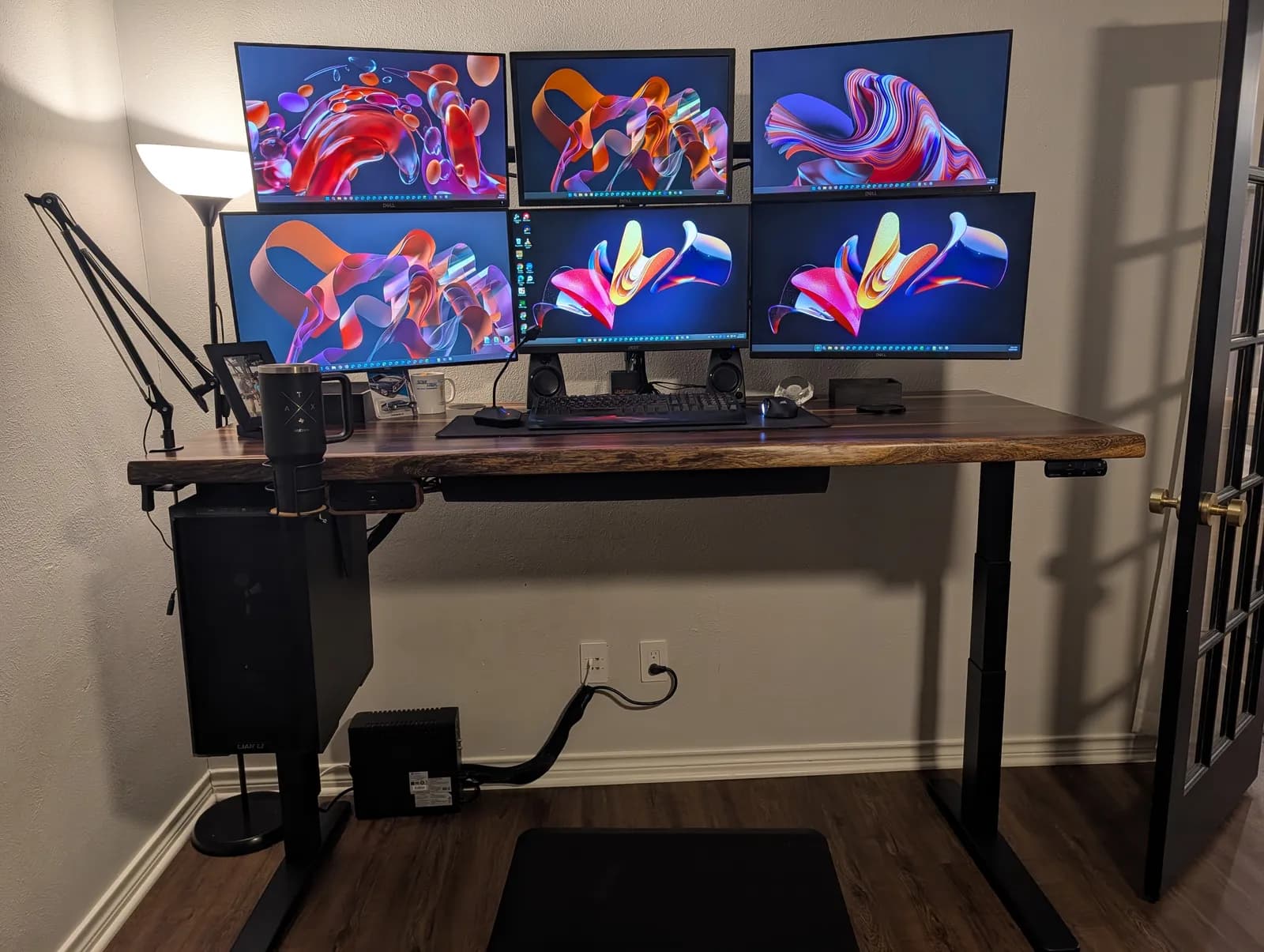
I didn’t think I’d be a standing desk person. Two weeks in, I’m standing at this desk about 90% of the time. The V3 lifts a solid-wood top, six monitors and a full tower PC quickly and without strain. Assembly is tedious in places but well documented. Most of the small frustrations I hit came from accessories and my own setup, not the desk. I’d recommend it.
What I liked
- Packaging that protects a heavy wood top properly
- A solid, heavy Pheasantwood top that looks better in person
- Fast, smooth motors and easy memory presets
- Cable management that’s actually thought through, especially the CPU holder and the big fabric cable pouch
- A pop-up power grommet that sits nearly flush when it’s down
What I’d change
- The stick-on clip for the keypad cable wouldn’t stay stuck
- The monitor arm instructions never mention the collar inserts, which matter
- Measure your PC before ordering the CPU holder (I didn’t)
What I set up
UPLIFT’s order, as shipped:
- Desk: UPLIFT V3 2-leg frame (C-frame, 27″ feet, black) with a solid-wood Pheasantwood top, 72″ x 30″, live-edge front and square back, with grommets
- Controls and power: Advanced Keypad with USB, Desk Bluetooth Adapter, Pop Up Power Grommet and grommet cover, 8-Outlet Mountable Surge Protector, DuoMount Power Strip with walnut accent
- Monitors and PC: Moontower Six Monitor Arm, CPU Holder with track spacer
- Cable management: zipped cable sleeves (60″), magnetic cable channel
- Extras: LED Desk Lamp E7 (clamp), Standing Desk Mat, Soft Roll Desk Casters, Under Desk Hammock, Bamboo Desk Organizer Set, Clamp-On Cup Holder and Austin tumbler
Not from UPLIFT: my chair, the six monitors, the PC, the speakers and the microphone arm.
Unboxing and packaging
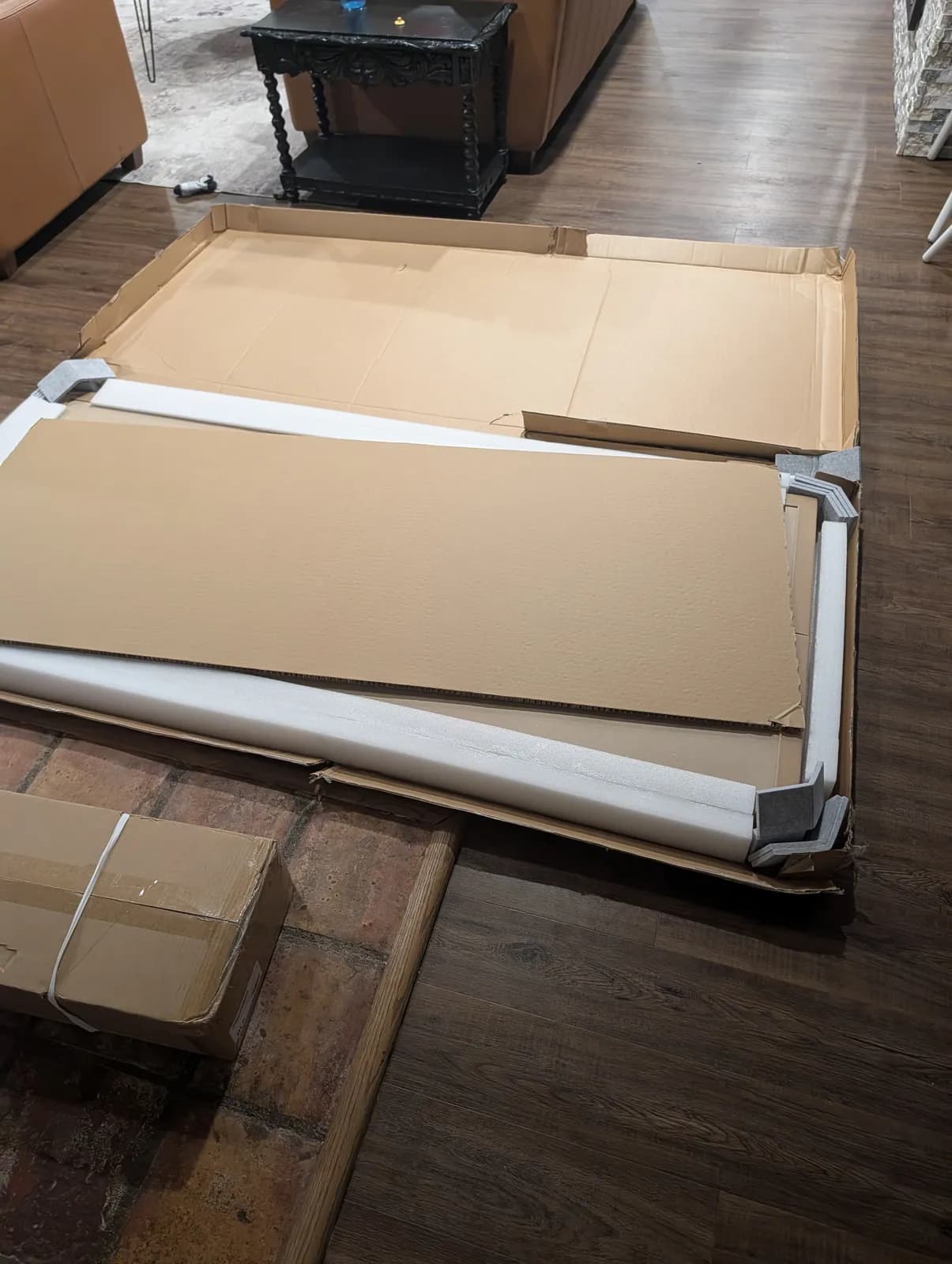
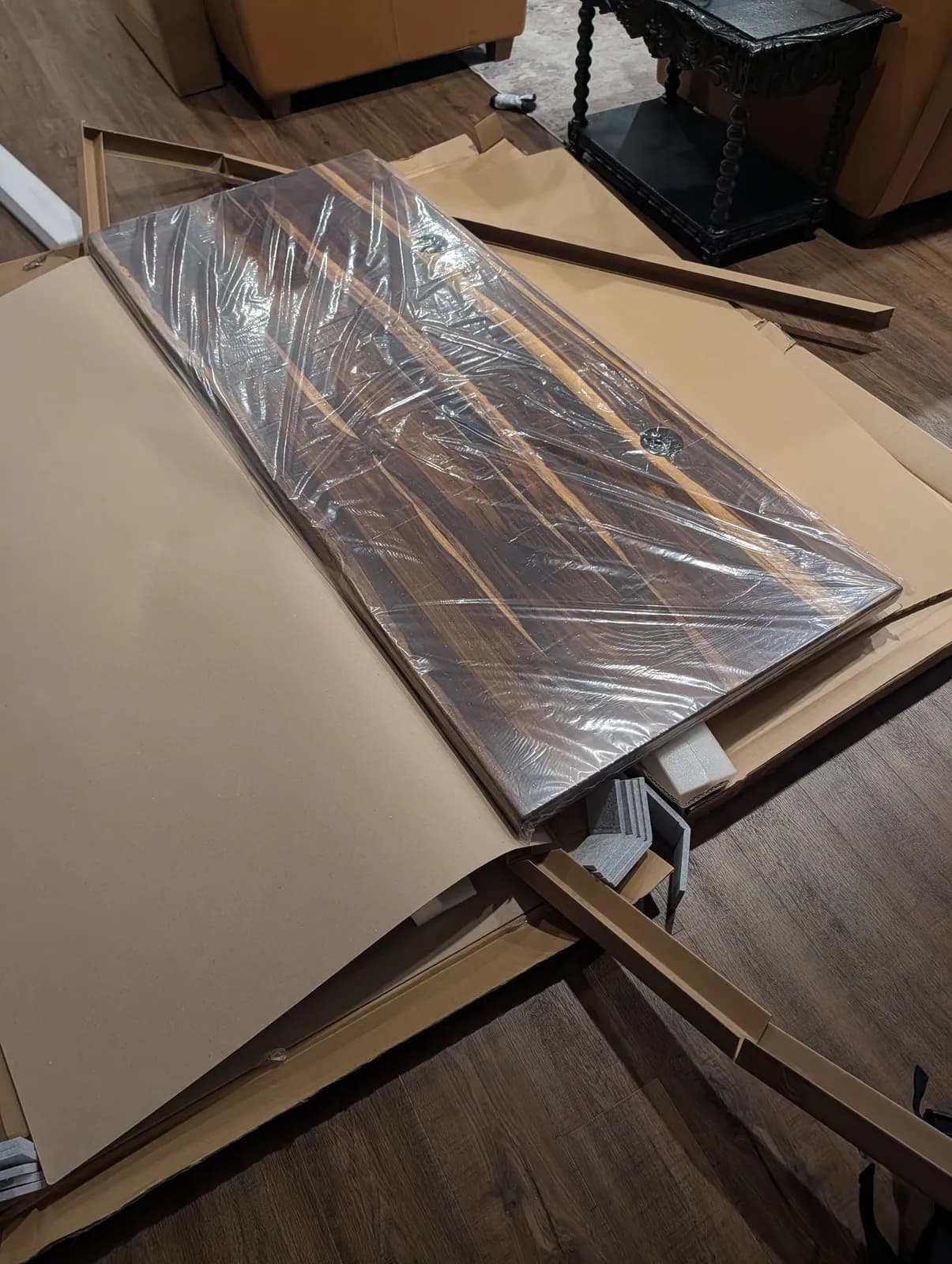
The packaging is really nice. The top arrives in foam corner guards and full-length edge foam, sealed in plastic inside a flat box, and nothing arrived damaged. The wood is heavier than I expected. It’s a solid, genuinely nice piece of wood.
Assembly: 7 or 8 out of 10
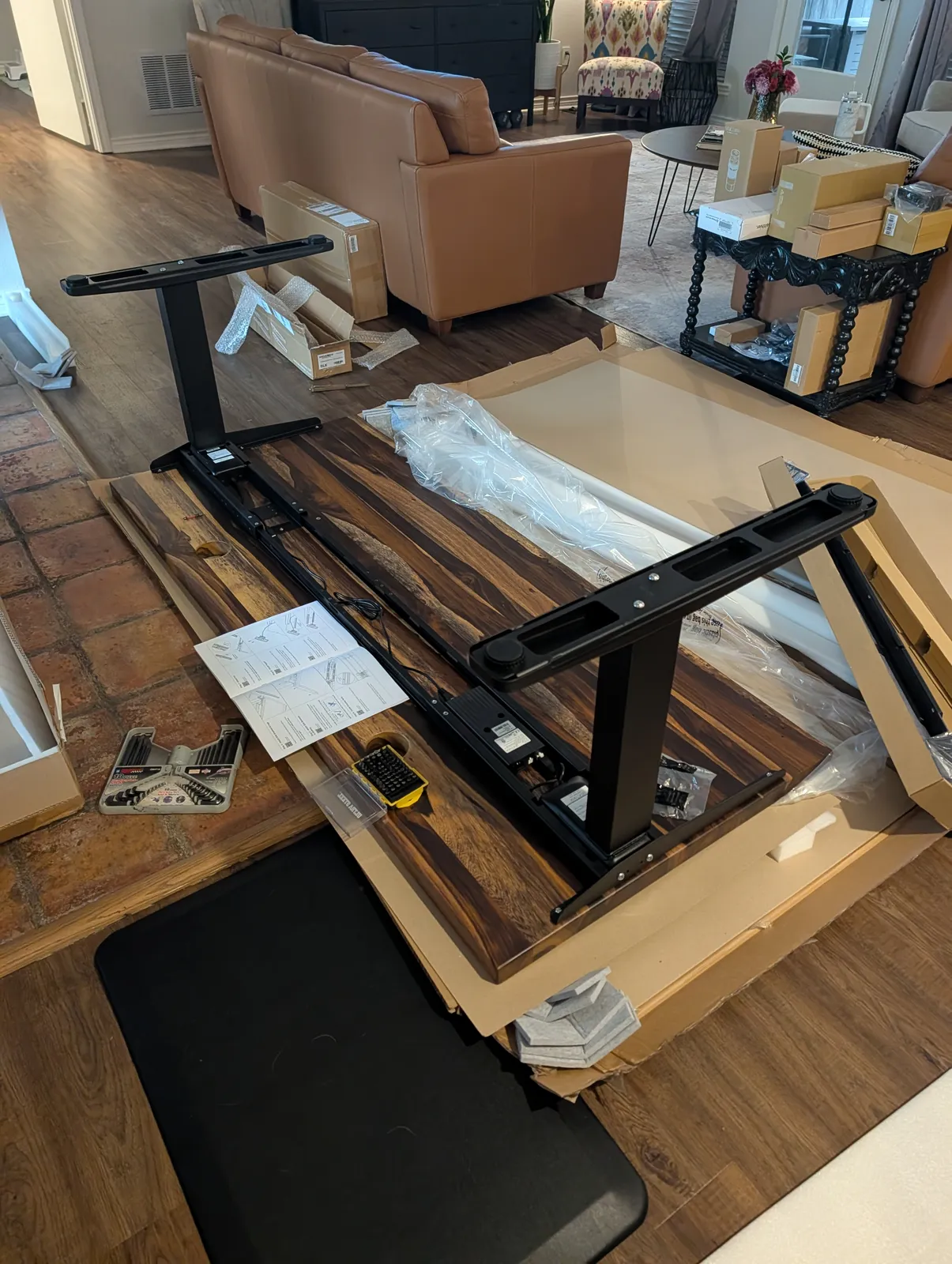
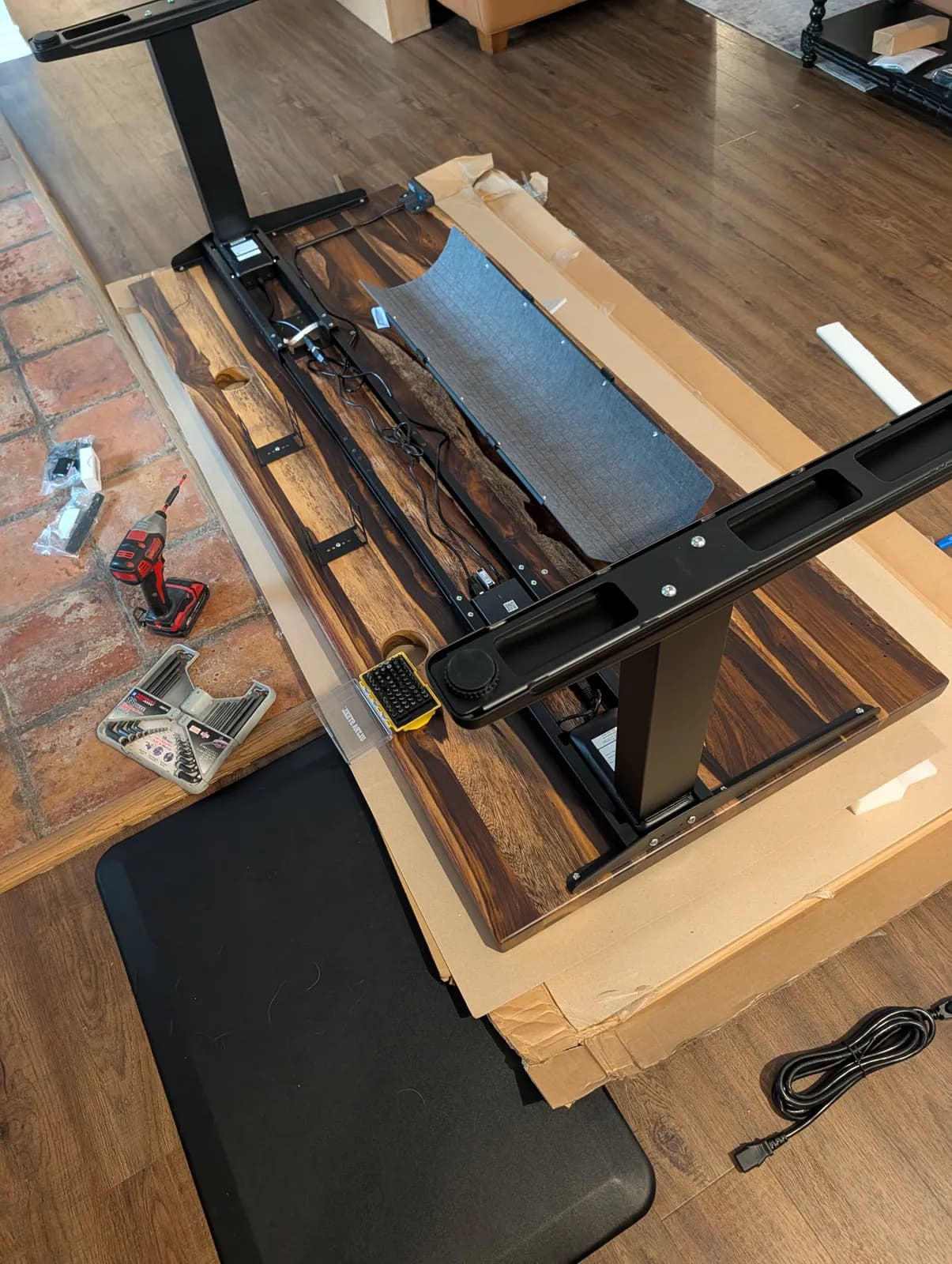
Assembly is tedious at times, but the instructions are easy to follow and it’s mostly intuitive. UPLIFT sends everything you need, and you can get through it with basic tools. My one recommendation is to use your own drill or driver with a hex (Allen) bit. You’re driving a lot of screws, and it saves a lot of wrist work.
That is the only rating on this page, and it is a rating of the assembly, not of the desk. There is no overall score here because we never measured one — see how we work for why we don’t invent them.
Mounting the Moontower Six Monitor Arm: check the collar inserts
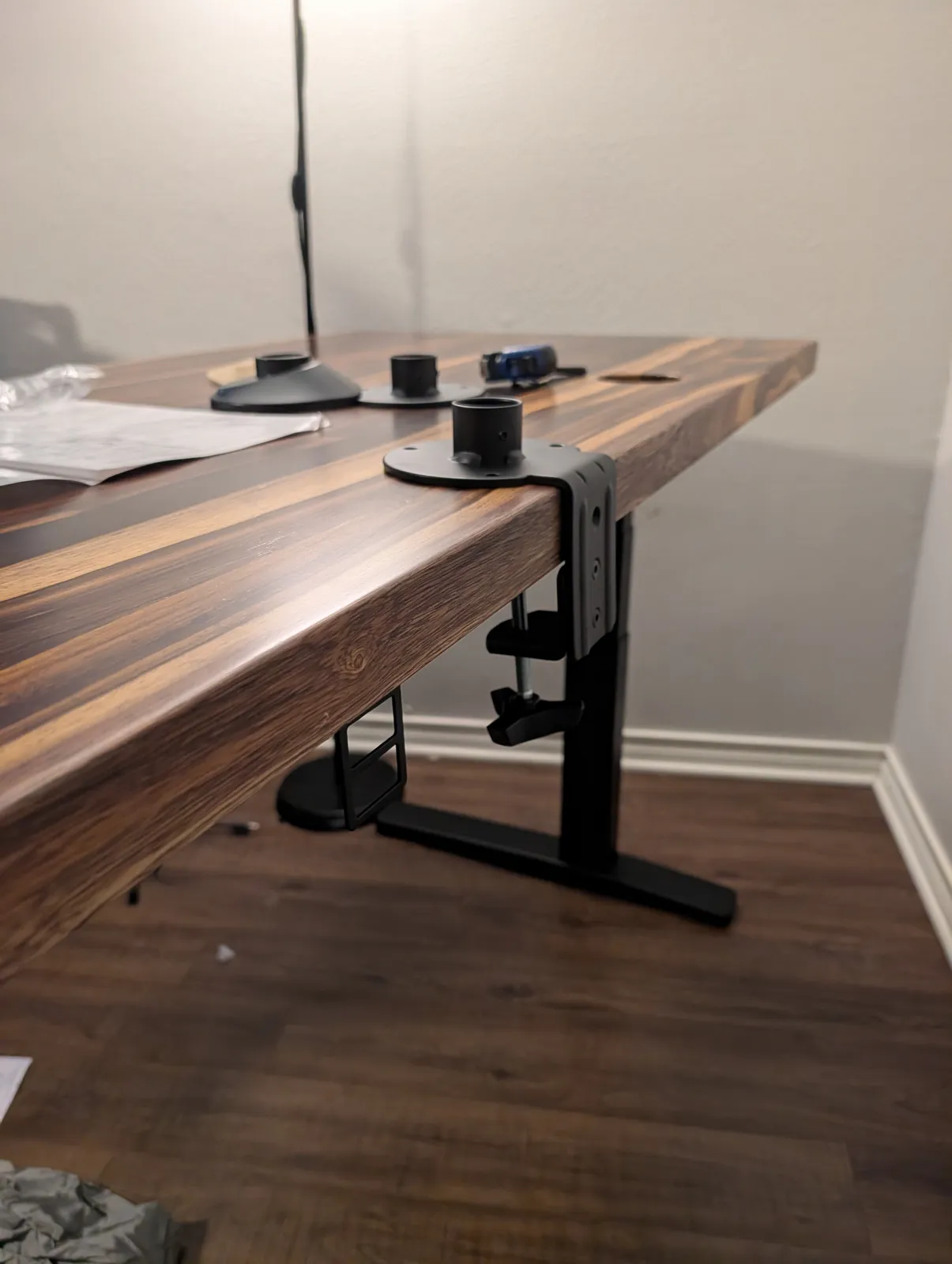
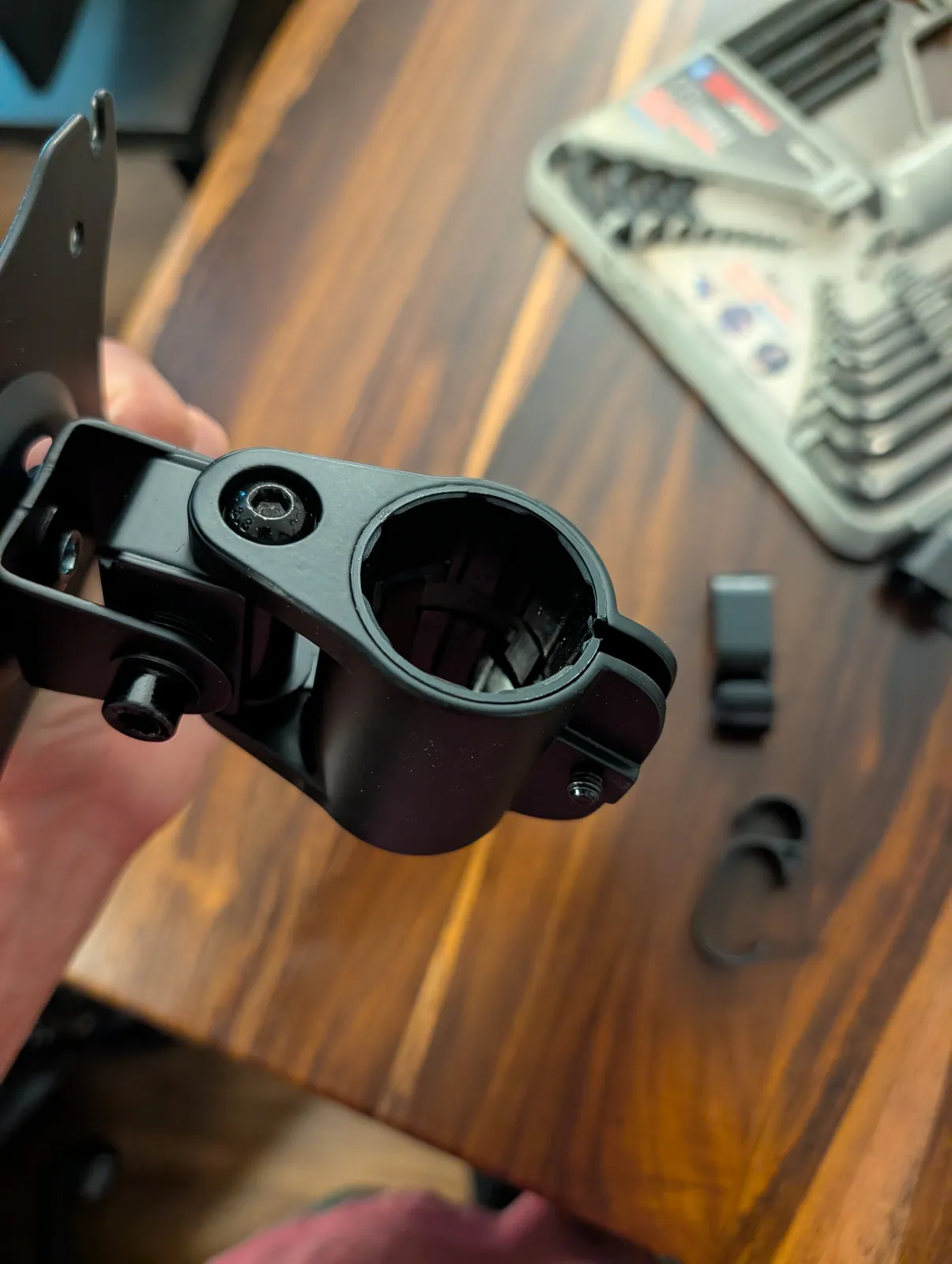
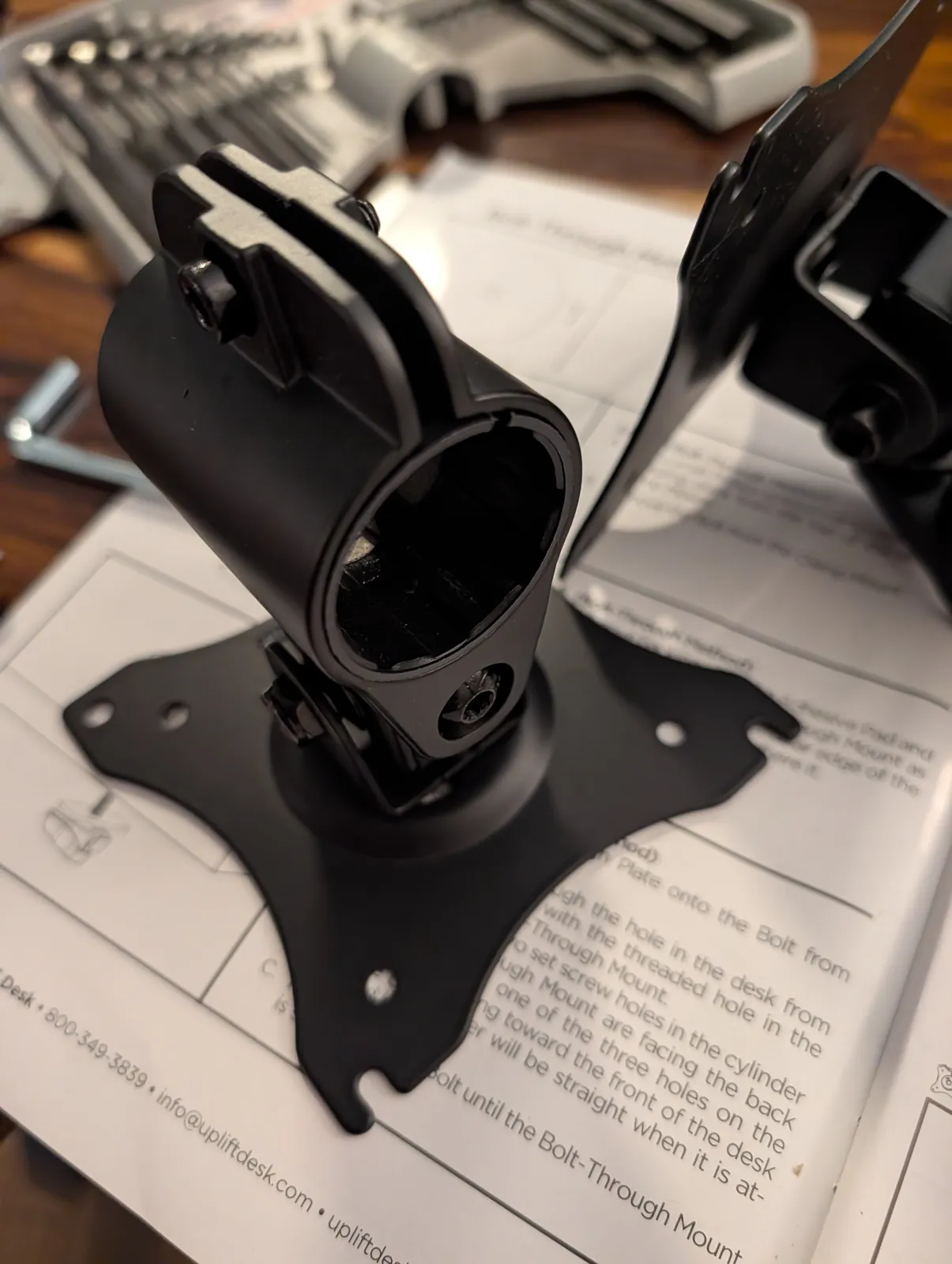
The arm mounts through the desktop, and the arm collars clamp around the pole. Inside each collar are small inserts. Make sure they’re in place at both ends before you tighten anything: some of mine had fallen out in the box, and the instructions don’t mention them. They’re what lets the collar clamp the pole tightly.
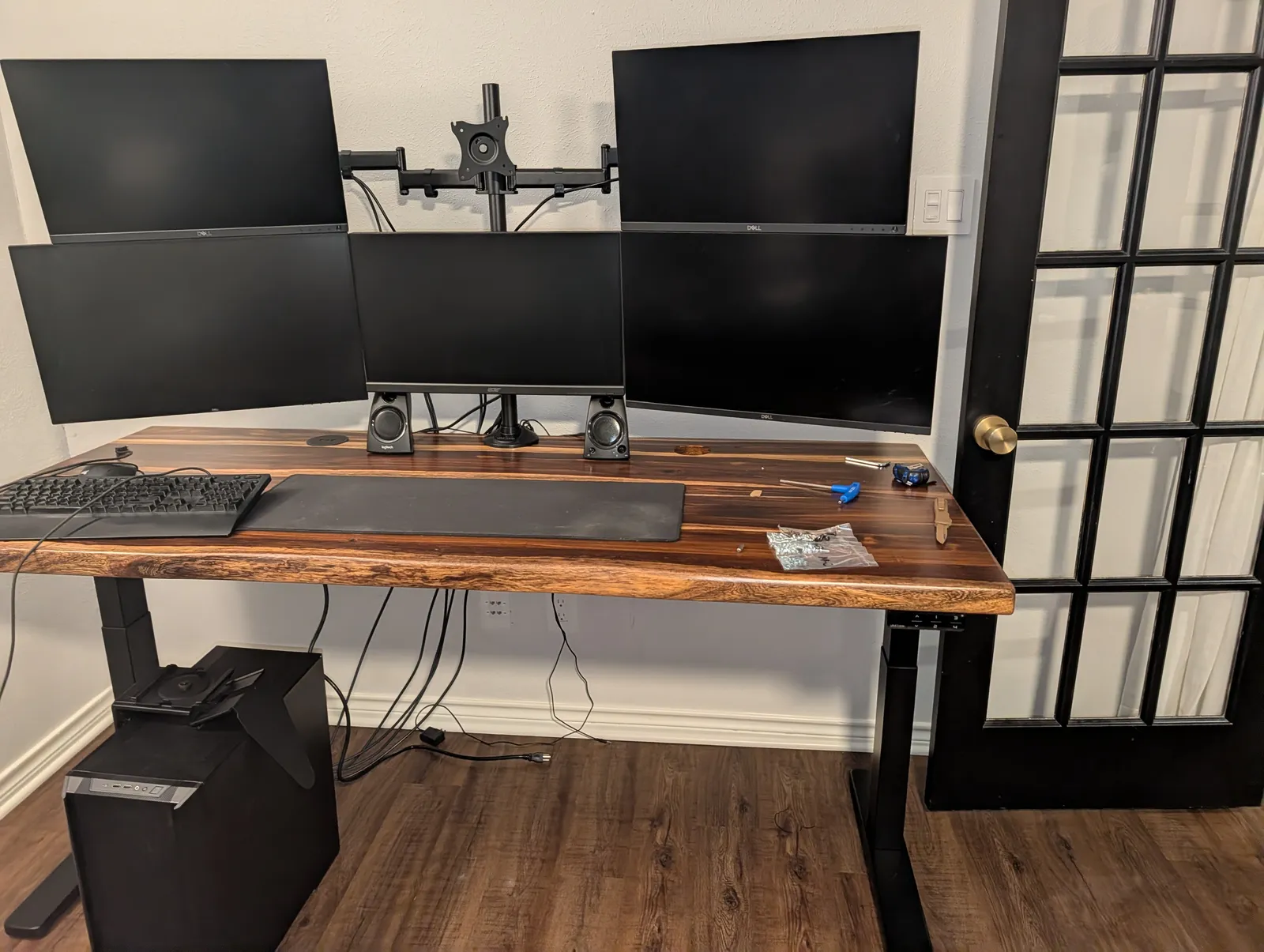
I was moving from a five-monitor custom stand to the six-arm Moontower, so I needed a solution for a sixth screen. For now, a standard Dell monitor fills that spot. My bottom-center screen is a 24.5-inch, 144 Hz Acer gaming monitor, and its VESA mounting sets the screen further forward than the Dell does. I’m looking for a sixth monitor with the same mount so the row lines up.
If you are working out whether an arm will take your own screens, the general version of that question is on will a monitor arm fit my desk, and the weight side of it is on VESA and weight ratings.
The CPU holder: basically required for a tower, but measure first
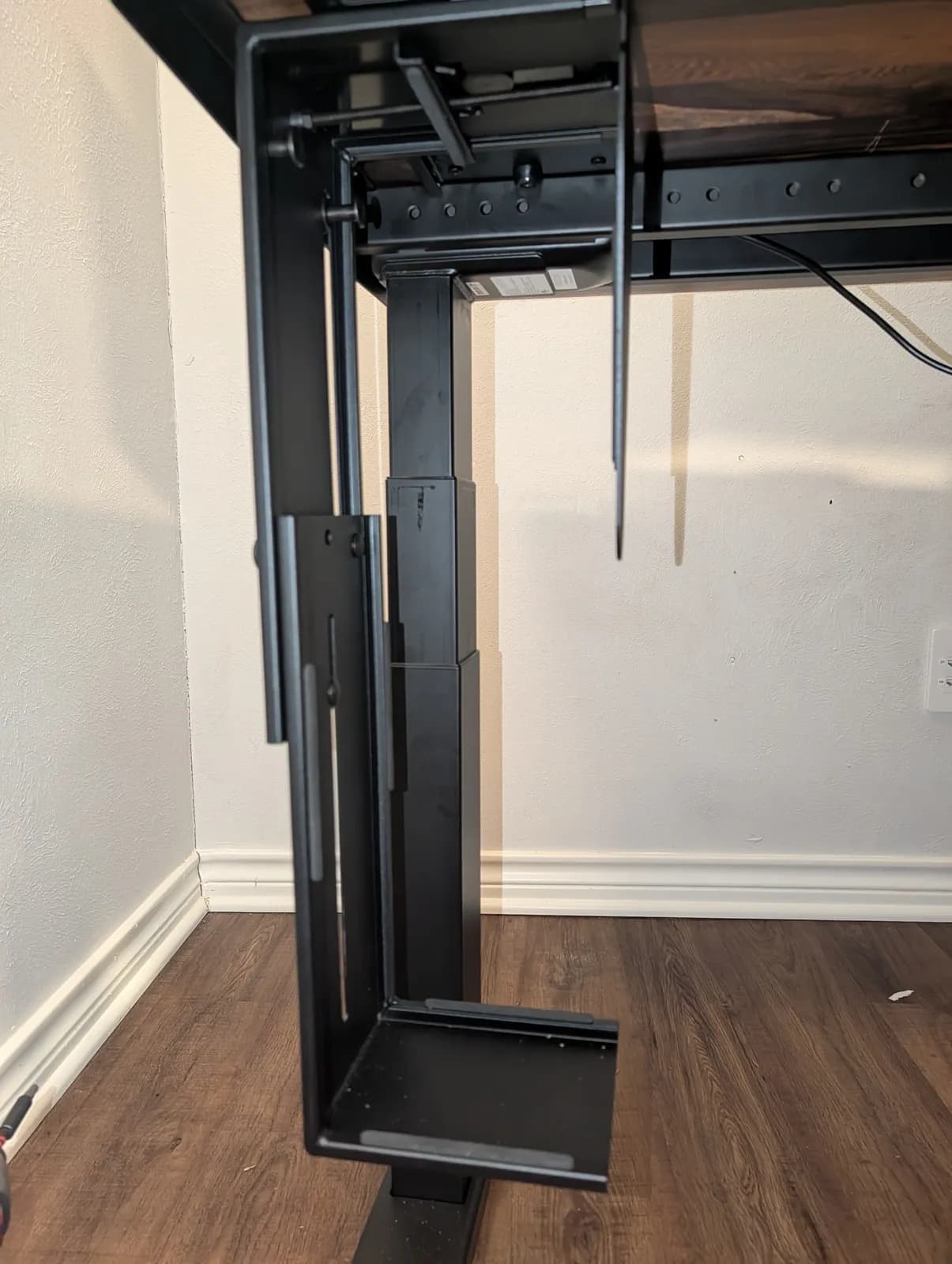
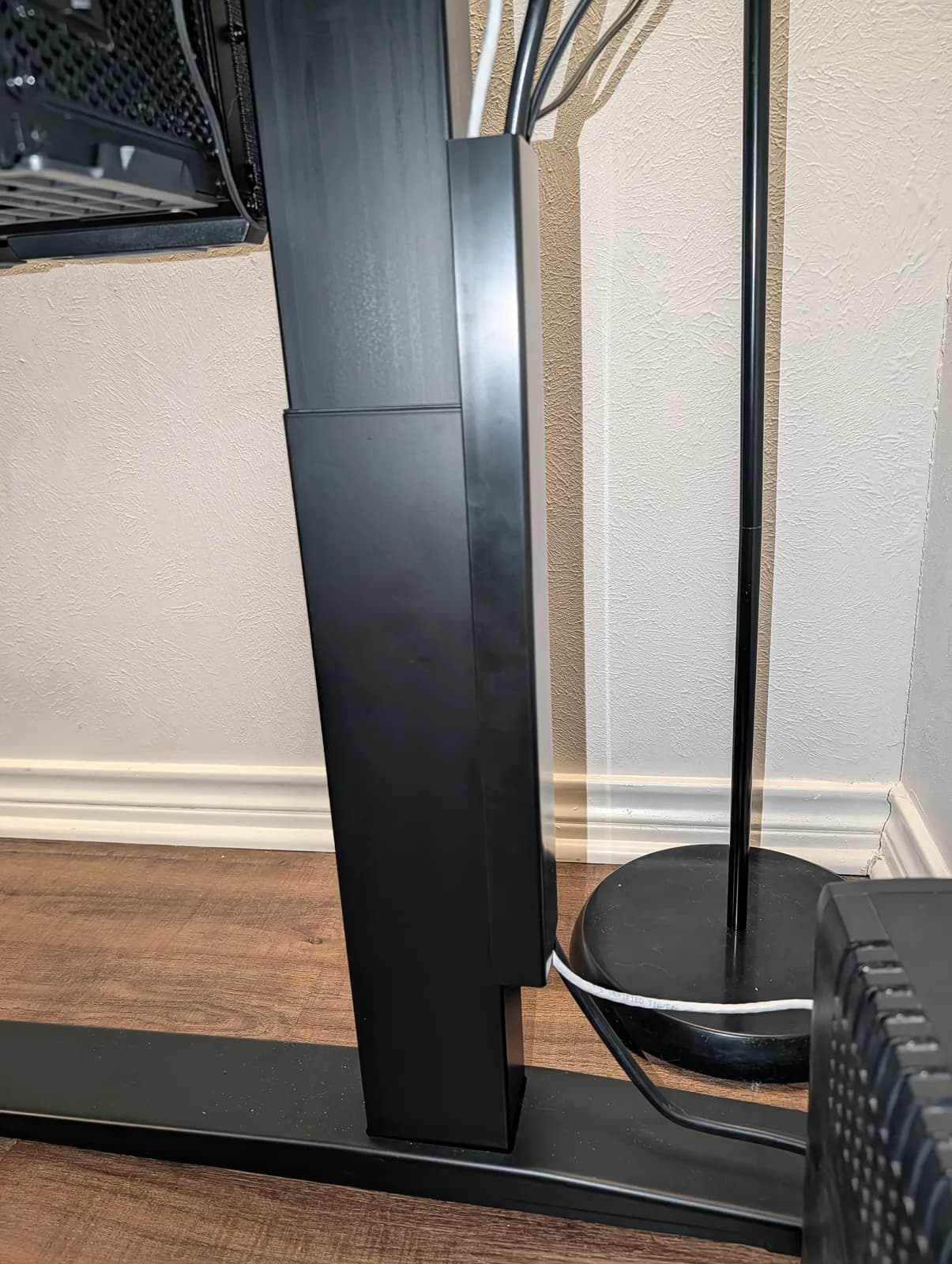
This was my one real struggle, and it was my own fault: I ordered the CPU holder without measuring my computer. UPLIFT’s spec sheet says the holder takes computers 3.75″ to 8.25″ wide and 12″ to 20.5″ tall, up to 50 lb, and swivels 360° at the mount. My PC is a custom build in a Lian Li LANCOOL 216, which Lian Li lists at 235 mm (9.25″) wide and 491.7 mm (19.4″) tall. The height fits, but the case is about an inch wider than the holder’s 8.25″ maximum, so the stock rod wouldn’t reach.
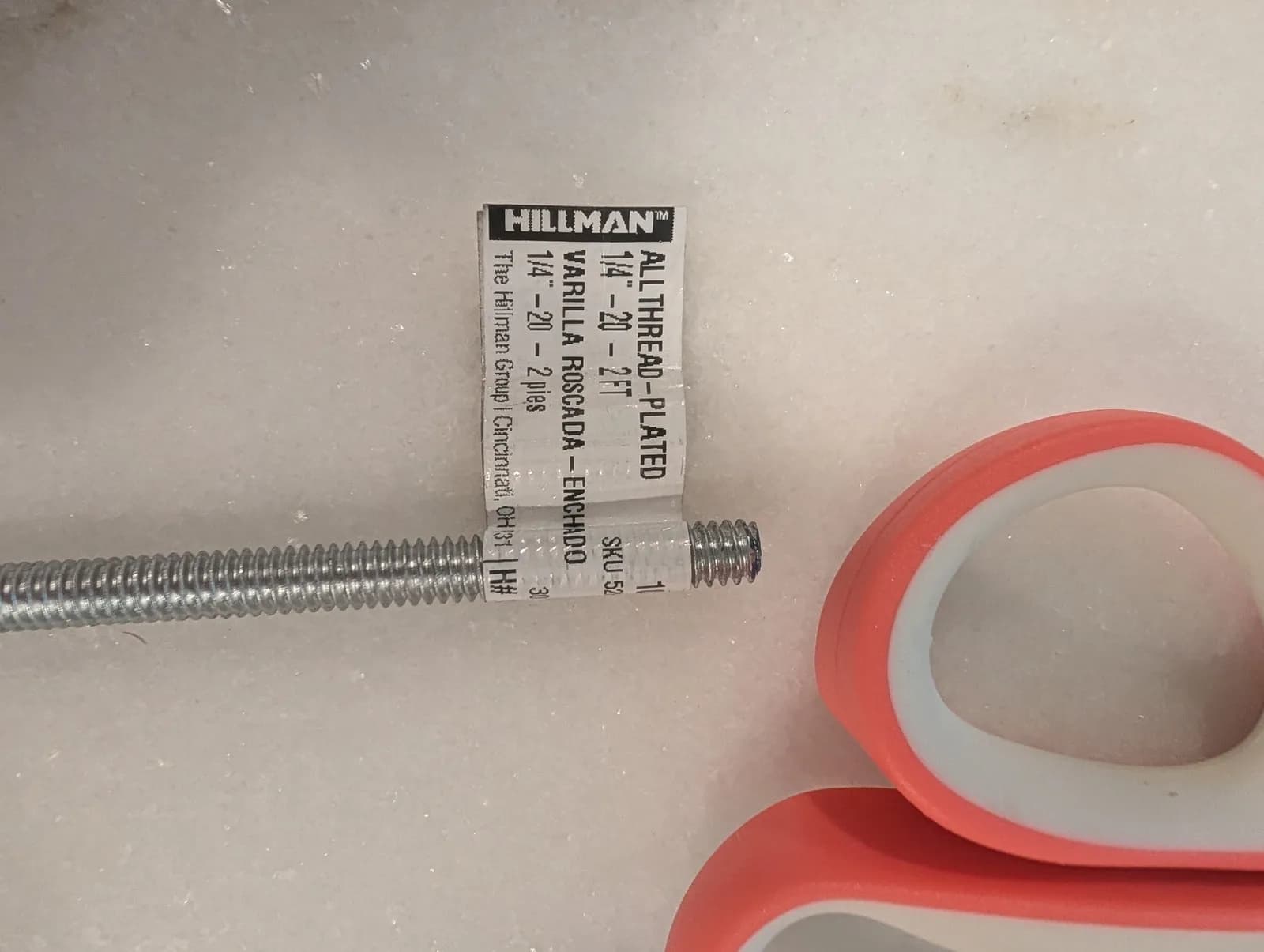
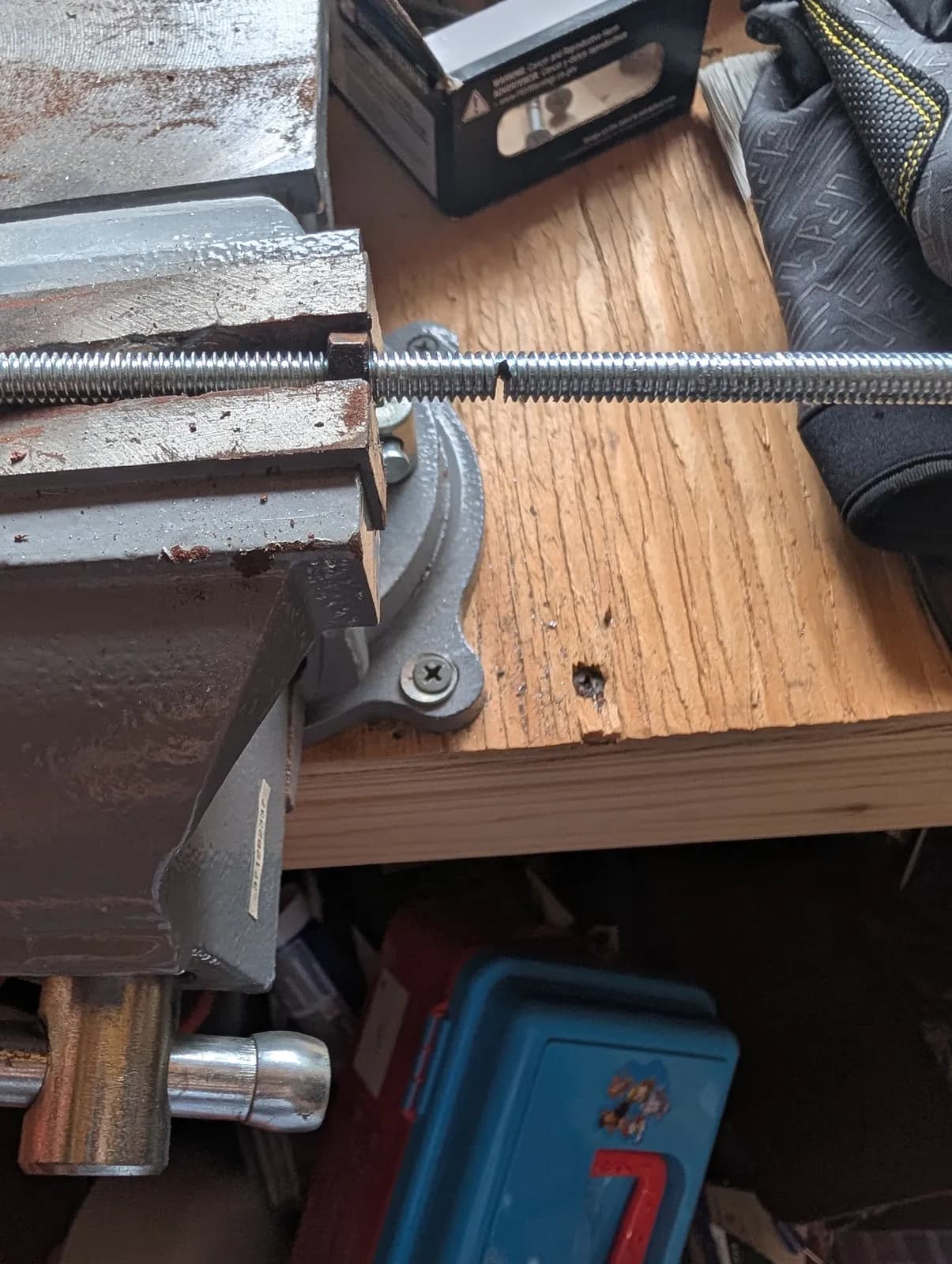
The fix was a 1/4″-20 all-thread rod from the hardware store, cut to the length I needed. That let the holder open wide enough for the case. It solved the width, but opened that far, the holder’s track no longer fully meets the top of the case, so the tower needed a bit more support to hold it in line. A spare drive from a Dell workstation, about 1.1″ thick, fills that gap exactly: wedged between the case and the track, it keeps the tower snug and straight as the desk moves. I’ll probably add a black strap around it for a cleaner look.
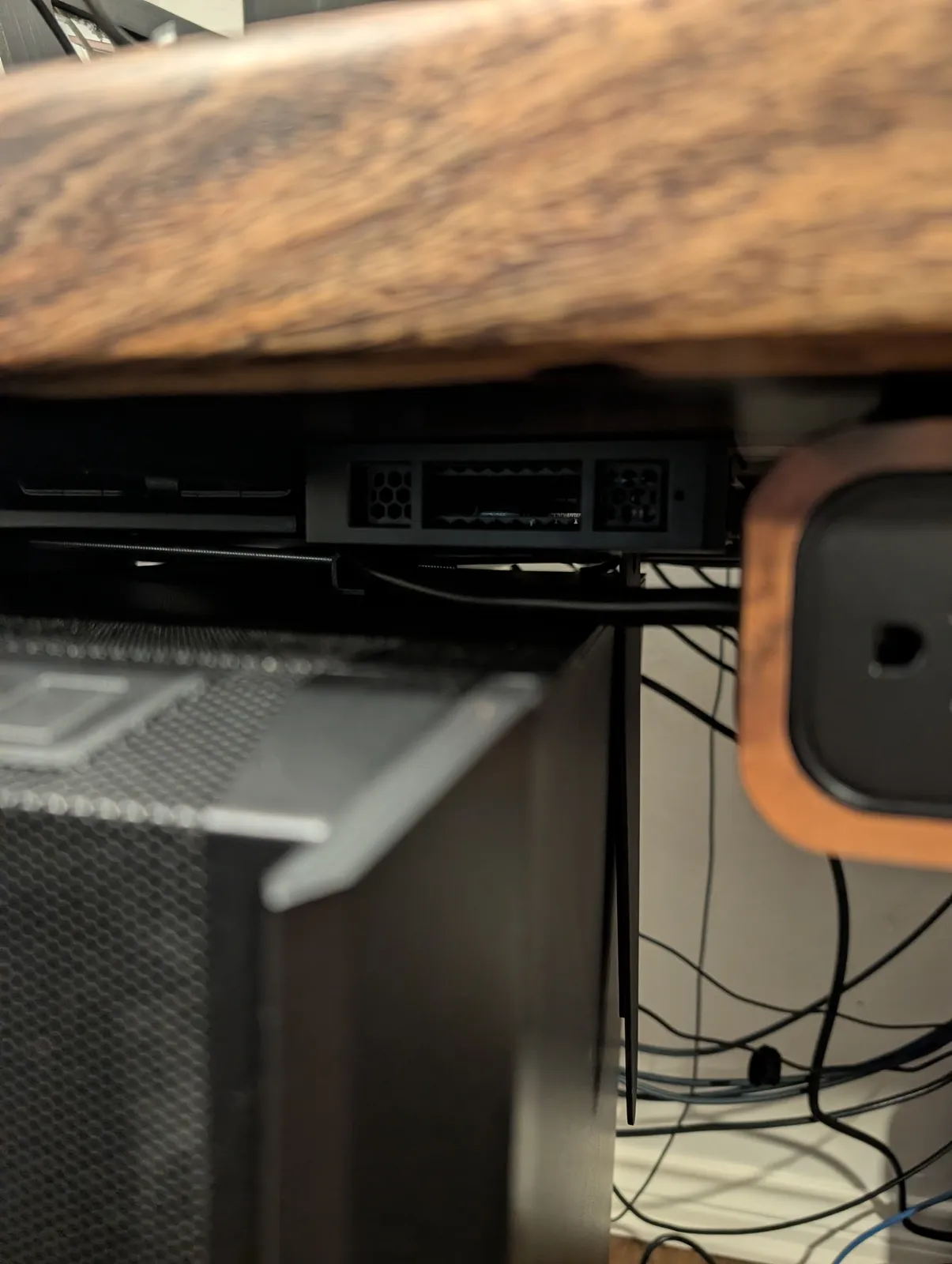
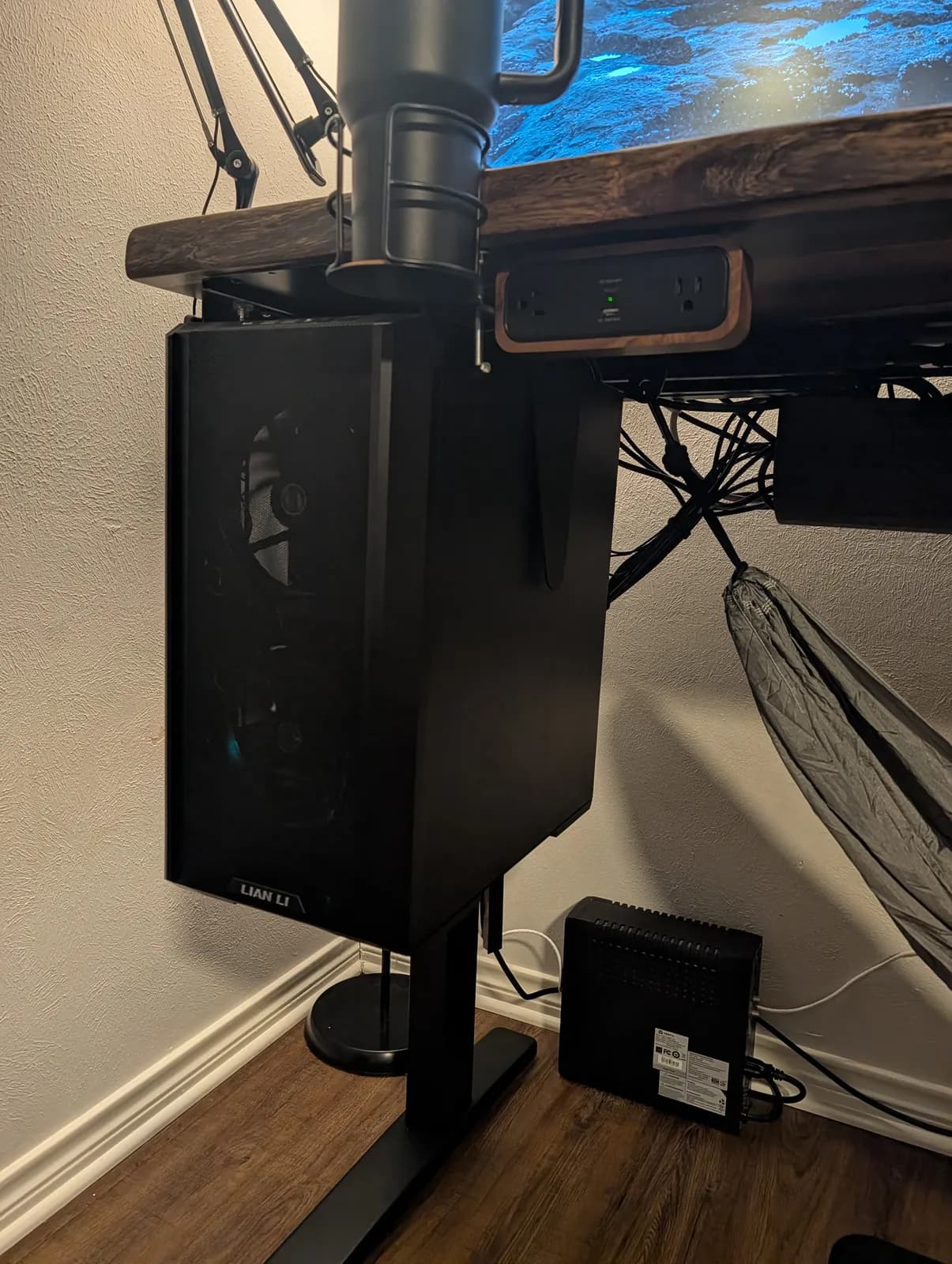
Now the PC moves with the desk, and every cable stays where it needs to be as the desk goes up and down. If you run a tower rather than a laptop, I’d consider the CPU holder essential on a standing desk. It keeps the distance between the PC and everything on the desk constant, so no cable gets pulled at full height.
Cable management: thoughtful, with one weak clip
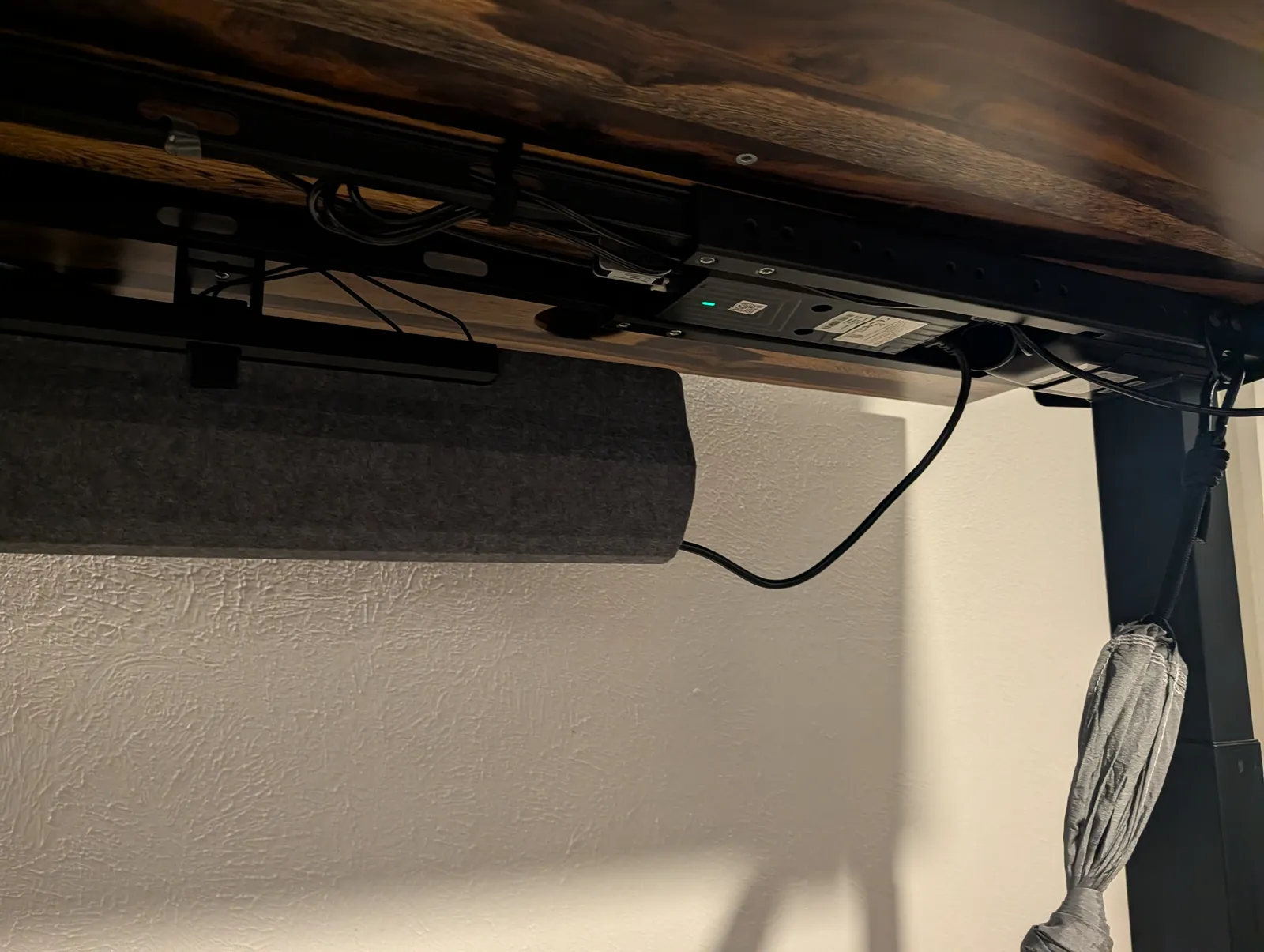
Overall, the cable management is thoughtfully designed. Six monitors mean a lot of cables. The FlexMount Cable Manager, a flexible fabric pouch that comes with every V3 frame along with 10 mountable cable wraps, hooks under the back of the desk and swallows all of them, and it’s sturdy. A lot of cable management feels flimsy, like everything is about to fall out. This doesn’t.
For the cables that run from the desk down to the wall, UPLIFT’s zipped cable sleeve bundles the power and ethernet into one neat run that follows the desk up and down. The general approach, on any desk, is on standing desk cable management.
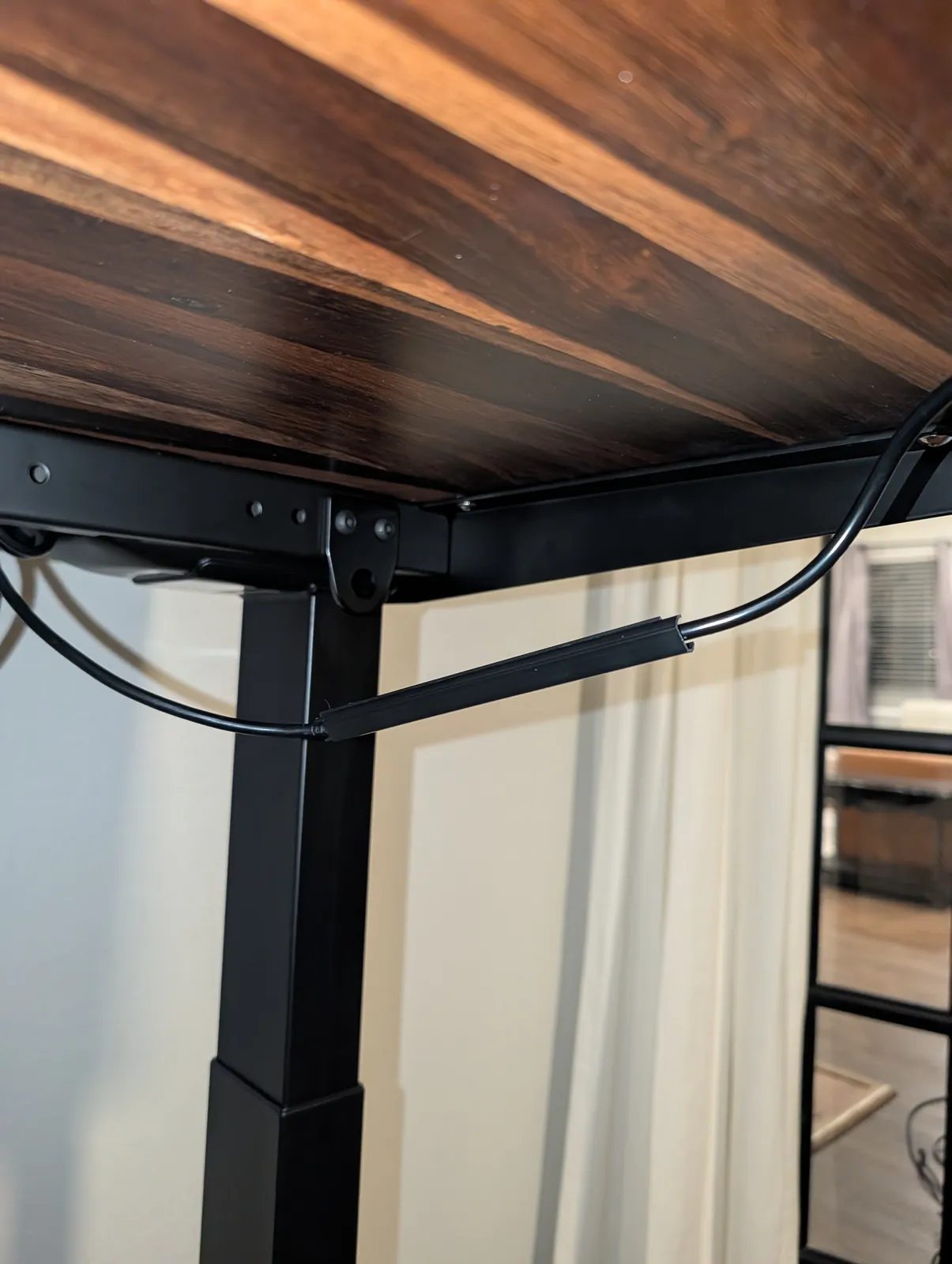
The one miss was the small adhesive clip for the keypad cable. It didn’t stick well. I never moved it, and it still came off under what was barely any tension on the cable. You can see the cable hanging in the photos.
The keypad and the motors
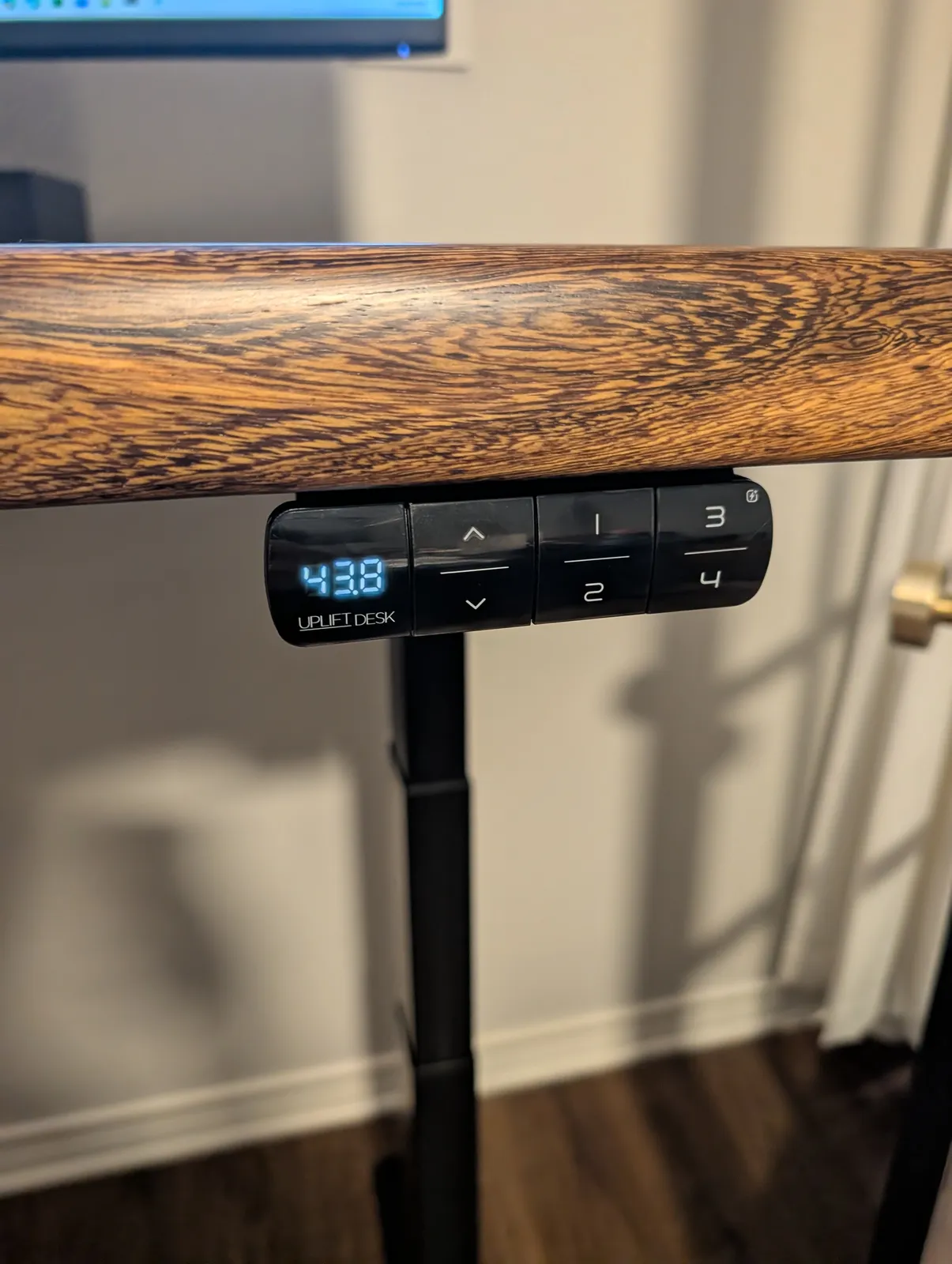
I originally asked for the RGB keypad with desk lighting, but I was sent the standard Advanced Keypad, which works great. Setting the memory presets is easy. I also installed the Desk Bluetooth Adapter that came with the order.
The motors move the desk up and down quickly. I’ve used a lot of standing desks across different offices, and they always seemed to have issues: flimsy frames and motors that struggle. Not this one. Given how heavy this top is with six monitors and a tower on it, the motors have to be strong, and the desk never sounds like it’s working hard.
Power: the pop-up grommet and the DuoMount strip
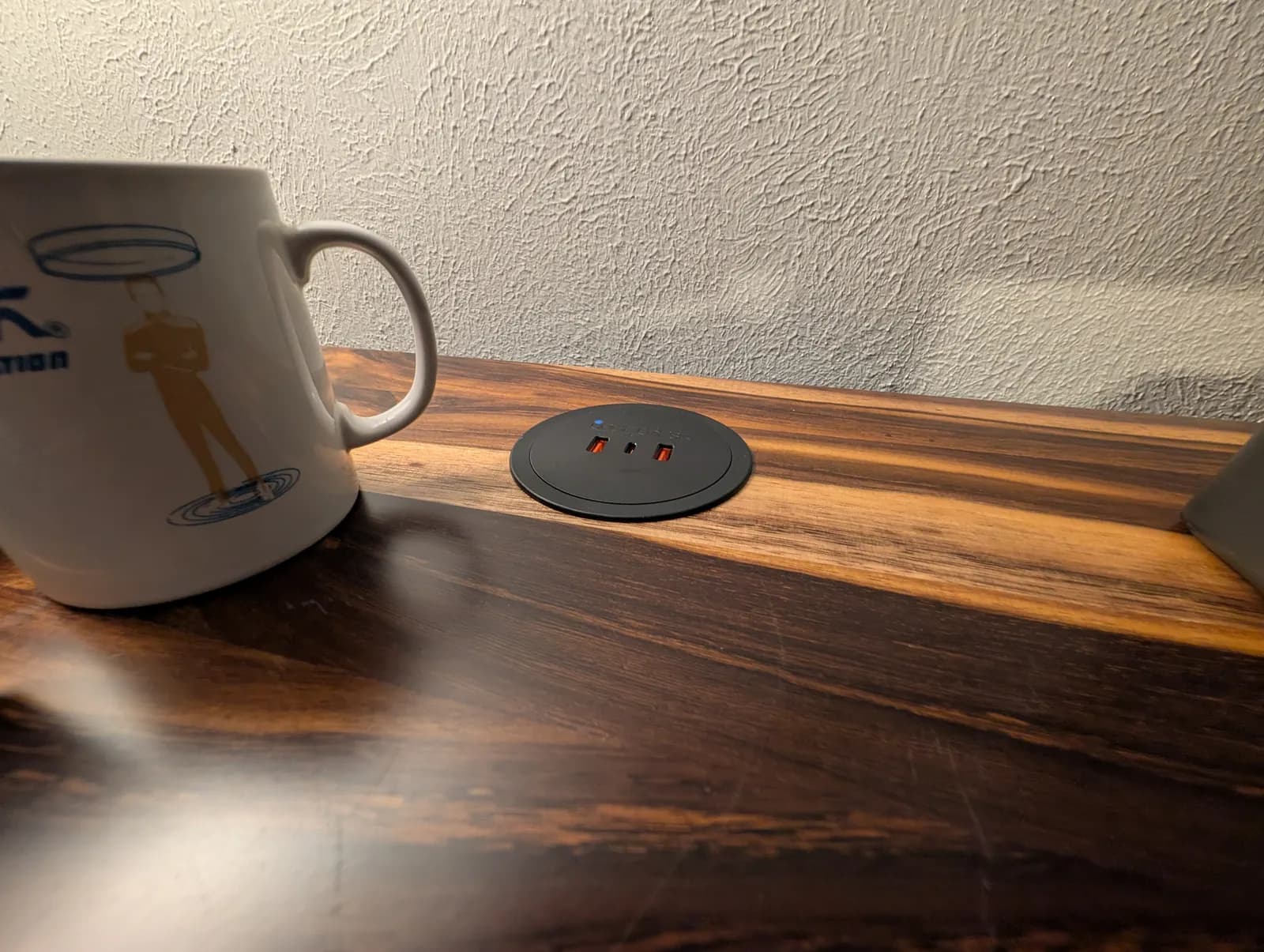
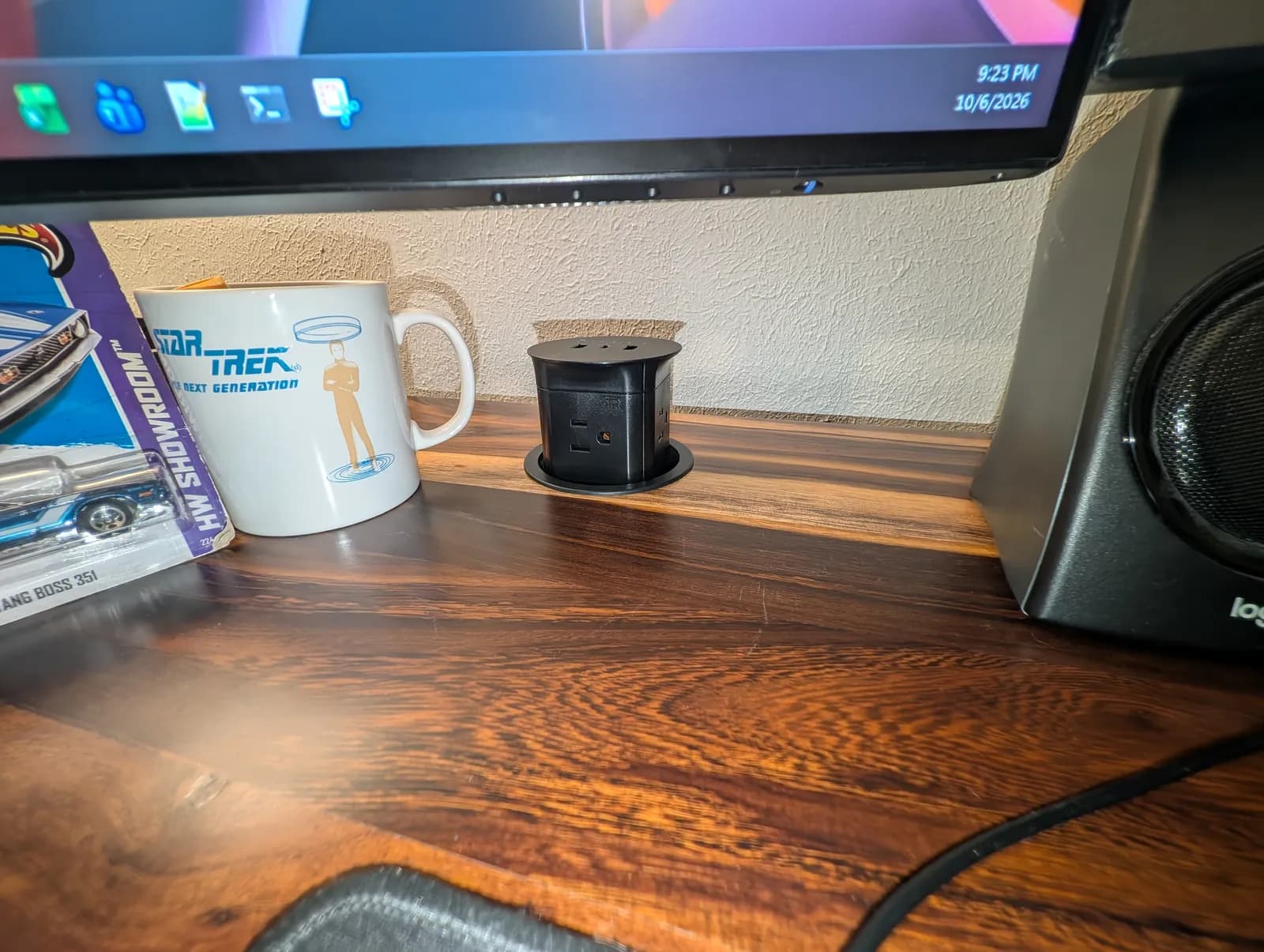
The pop-up power grommet is really cool. When it’s down it’s very low profile, nearly flush with the top, and when it pops up you get extra outlets right on the desk. I also added the DuoMount power strip at the front next to the PC. I do a lot of server and workstation builds, and it’s nice to have an extra place to plug things in without reaching under the desk.
The extras
- Standing desk mat: fairly comfortable. It’s what I stand on most of the day now.
- Clamp-On Cup Holder and Austin tumbler: the cup holder clamps to the front-left corner, so the drink stays off the desk and away from the keyboard.
- Bamboo Desk Organizer Set: some of the pieces are on the desk, holding the small stuff.
- LED Desk Lamp E7: it’s mounted, but I’m still looking for a reason to use it. I don’t do much detailed paper work at the desk, and the room’s general lighting has been enough. If you do paper work or sketching at your desk, it’ll matter more to you than to me.
- Soft Roll Desk Casters: four came in the order, but I haven’t installed them. The desk sits on its standard feet, which suits a desk that stays put. Per UPLIFT, these casters add 2.9″ of height once the leveling glides come off.
- Under Desk Hammock: honestly a bit silly for my setup. With the CPU holder where I put it, there’s no room to hang the hammock. With the holder in a different spot it might fit.
Size: 72 inches
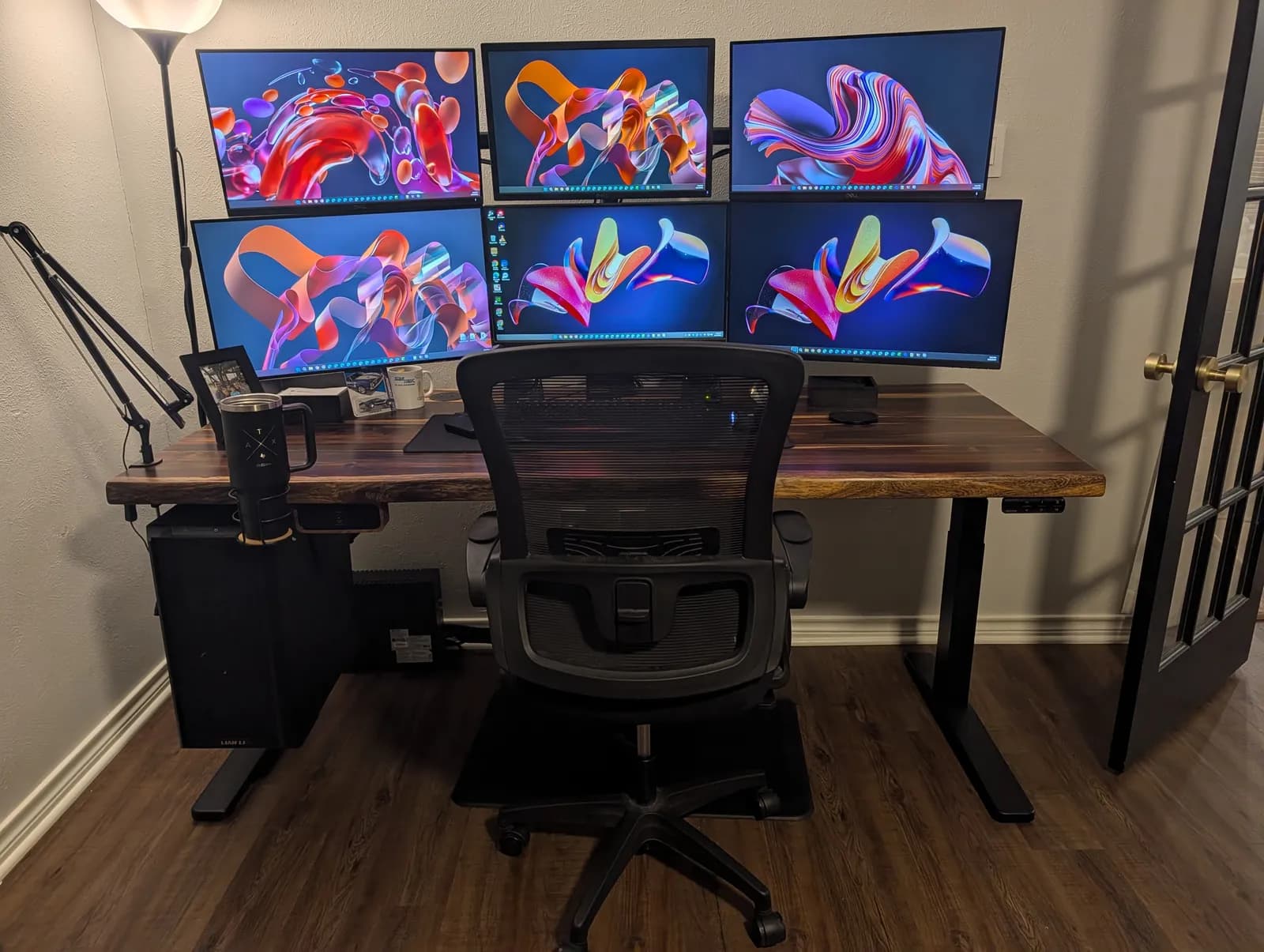
This is the 72″ model, and it holds six monitors, speakers and a keyboard with room to spare. If you’re planning a setup this wide, it might be even better at 80″. Working out the size you need in the abstract is on what size desk do you need.
The specs that matter (from UPLIFT’s spec sheets)
What I felt, beside the numbers UPLIFT publishes:
| Spec | UPLIFT publishes | What it meant here |
|---|---|---|
| Lifting capacity | 355 lb | A 1.75" solid-wood top, six monitors and a full tower, with no strain |
| Travel speed | 2" per second | Quick up and down |
| Noise | Under 48 dB while moving | Never sounds like it is working hard |
| Frame height (no desktop) | 21.6" to 47.7" — a 26.1" span. Meets the ANSI/BIFMA G1-2013 ergonomic height guideline | The standing preset reads 43.8" on the keypad |
| Frame width | 41.3" to 72.2", adjustable | Set to the 72" top |
| Motors | Dual motor, 2-leg | — |
| Desktop thickness | Solid wood: 1.75" | Why the top is so heavy |
| Accessory mounting | 48 threaded mounting points in the upper frame (patented) | The CPU holder and the power hardware bolt straight to the frame |
| Cable management included | FlexMount Cable Manager pouch and 10 mountable cable wraps | The pouch that swallows six monitors' worth of cable |
| CPU holder | 3.75"–8.25" wide, 12"–20.5" tall, 50 lb max, 360° swivel | The Lian Li LANCOOL 216 is 235 mm (9.25") wide — about an inch over, hence the all-thread rod and a 1.1" spacer at the track |
| Casters (not fitted here) | 2.9" added height, after removing the leveling glides | — |
| Warranty | 15 years on UPLIFT Desk products | — |
Everything in this review, and where to get it
UPLIFT supplied all of it free of charge. Every link below goes to UPLIFT’s own shop, and we earn a commission from UPLIFT if you buy. Prices are UPLIFT’s published prices as of October 18, 2026; a price marked “From” is where that item starts before you choose options. The small product pictures in this list are UPLIFT’s. Every other photograph on this page is ours.
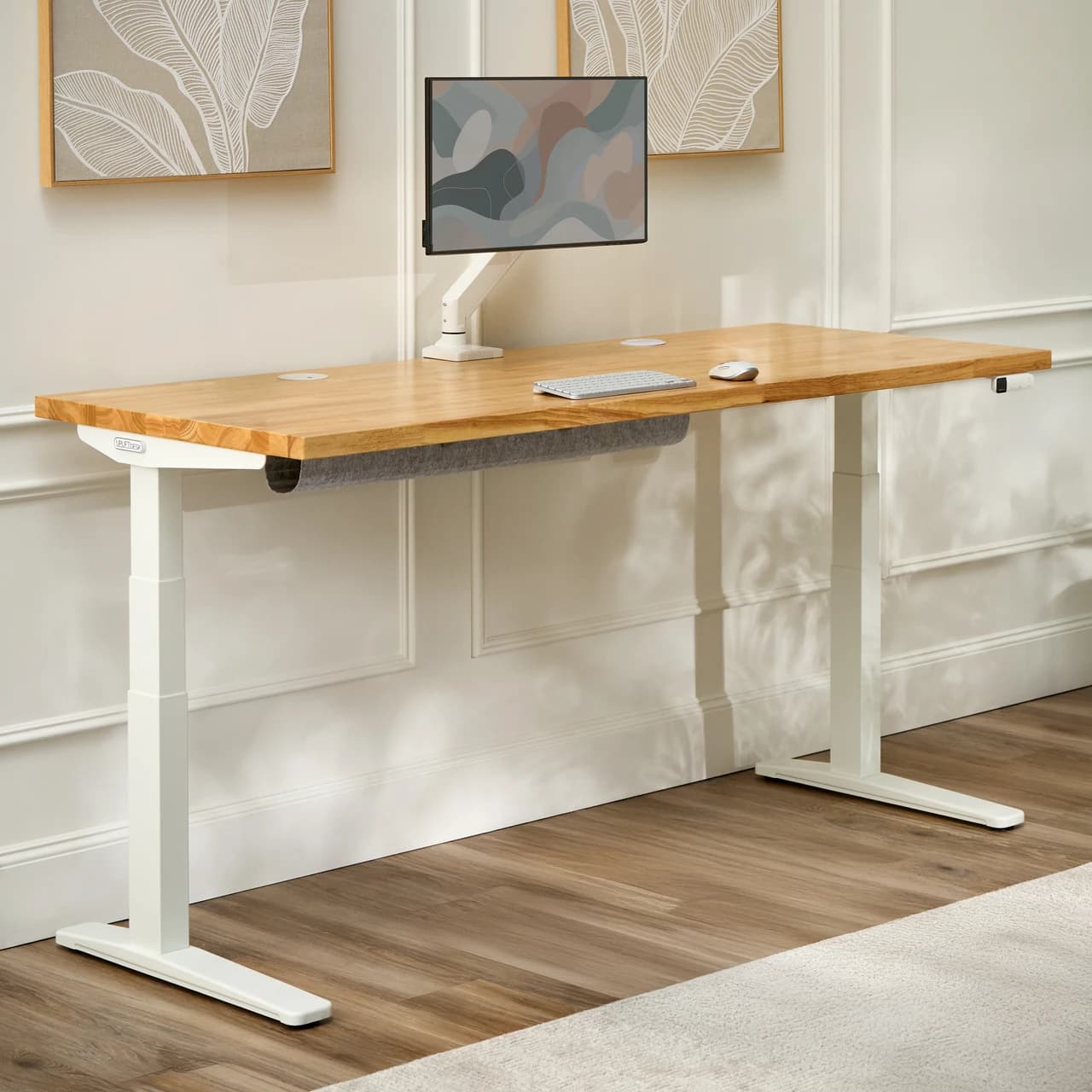
UPLIFT V3 Solid Wood Standing Desk
The desk in these photographs. Choose Pheasantwood, 72″ x 30″ and the black C-frame on UPLIFT’s page to build the one we reviewed; the starting price is for the smallest top.
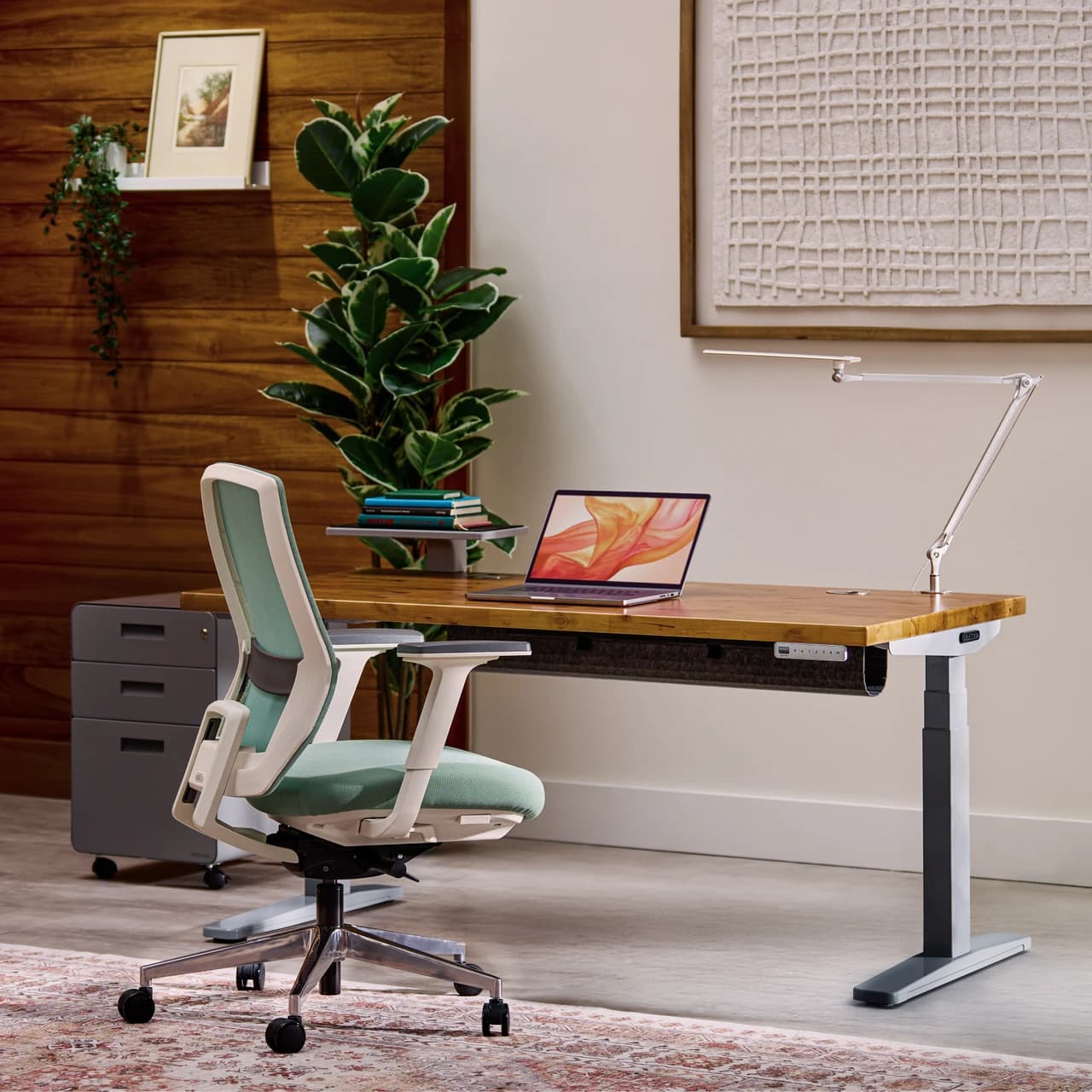
UPLIFT V3 2-Leg Frame (C-Frame, Black)
The frame under this review, sold on its own with the Advanced Keypad, wire grommets and the FlexMount Cable Manager. The solid Pheasantwood top is not part of it.
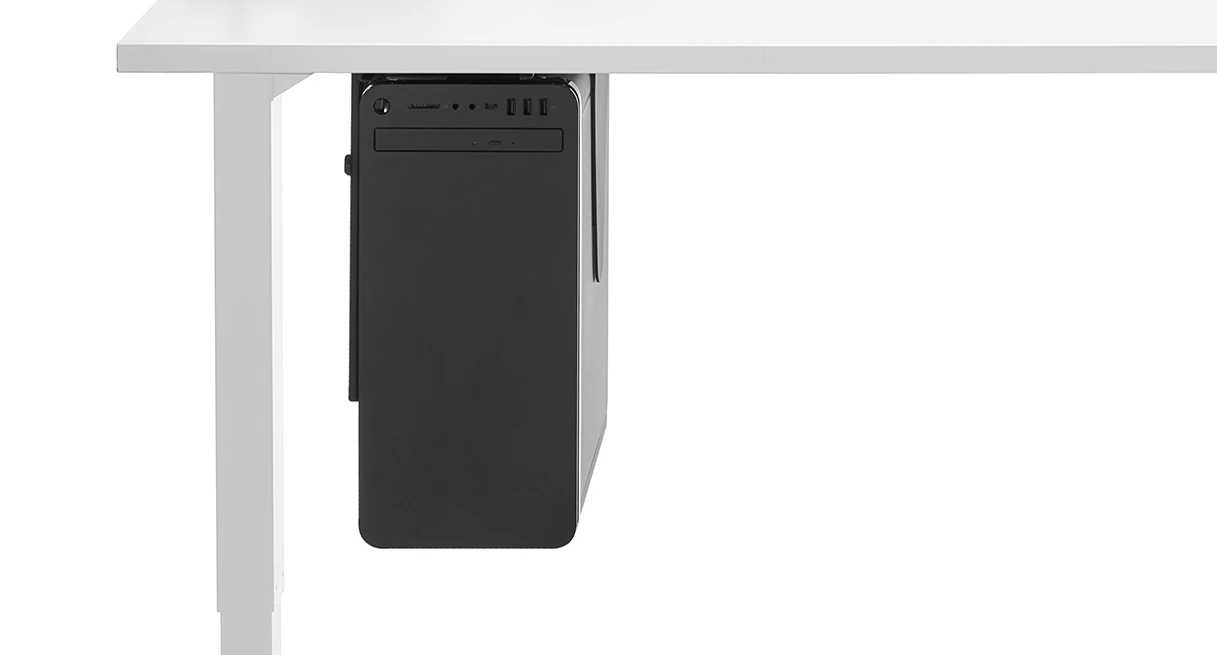
UPLIFT CPU Holder
Takes a tower up off the floor and makes it travel with the desk. Measure your case first: it is published for 3.75–8.25" wide.
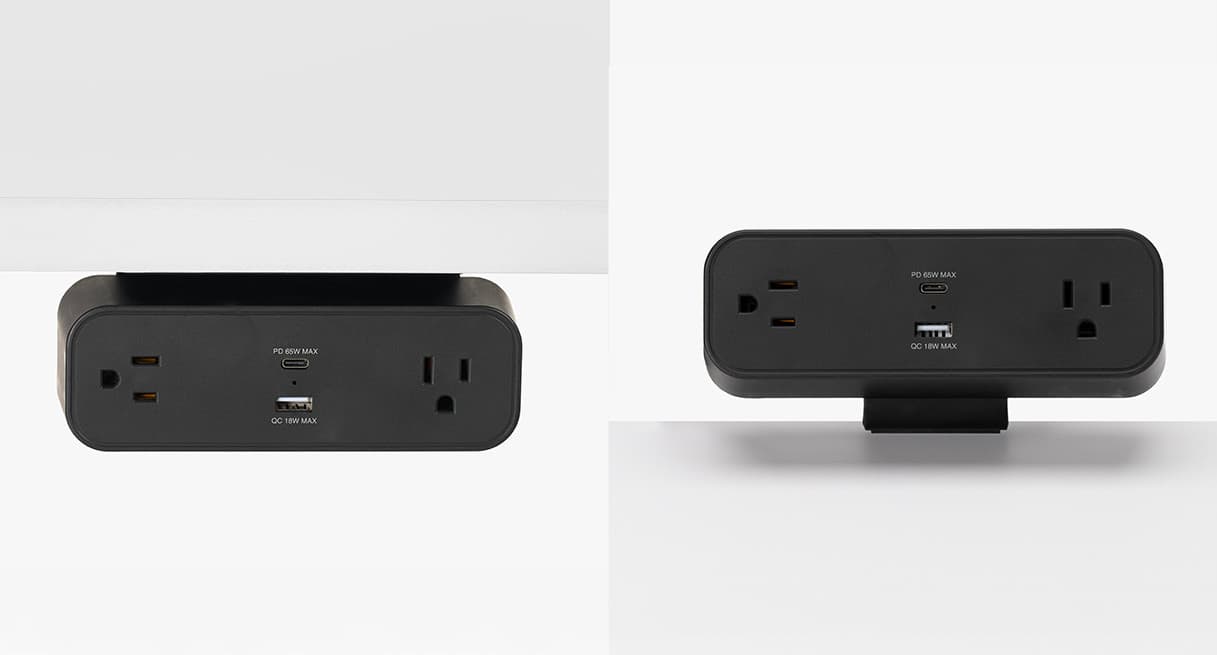
UPLIFT DuoMount Desk Clamp Power Strip (Black, Walnut)
Clamps to the desk edge and puts outlets where your hands already are, instead of under the desk behind the machine.
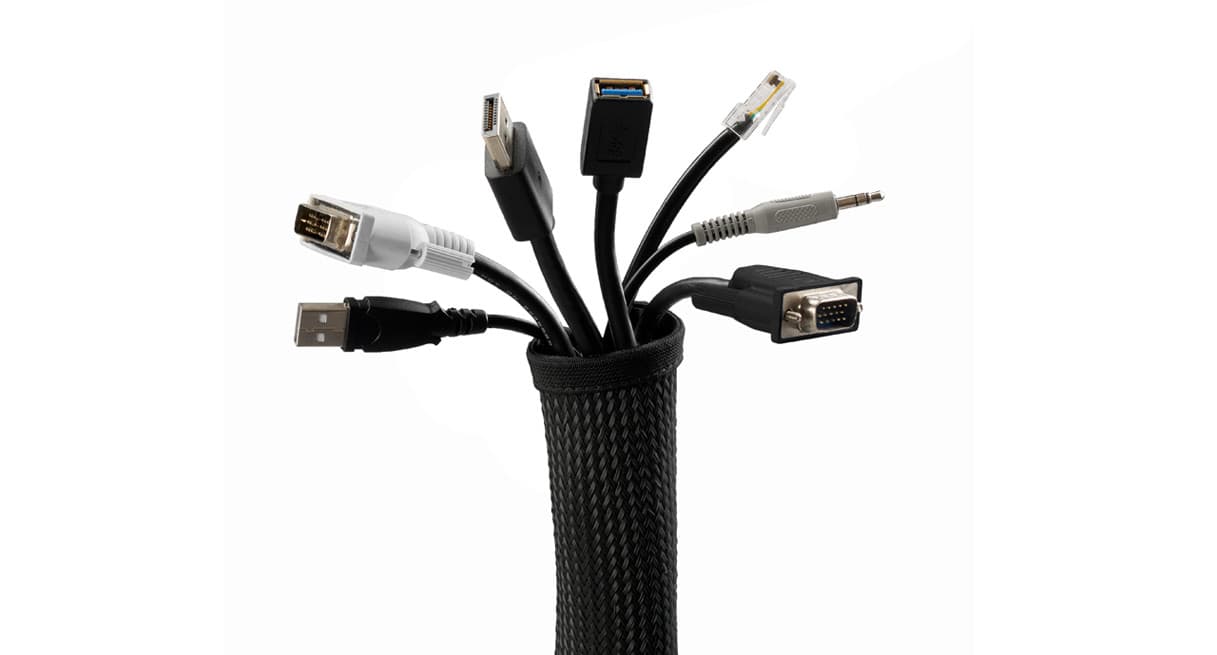
UPLIFT Zipped Cable Sleeve, 60" (Black)
Bundles the run from the desk down to the wall into one sleeve that follows the desk up and down.
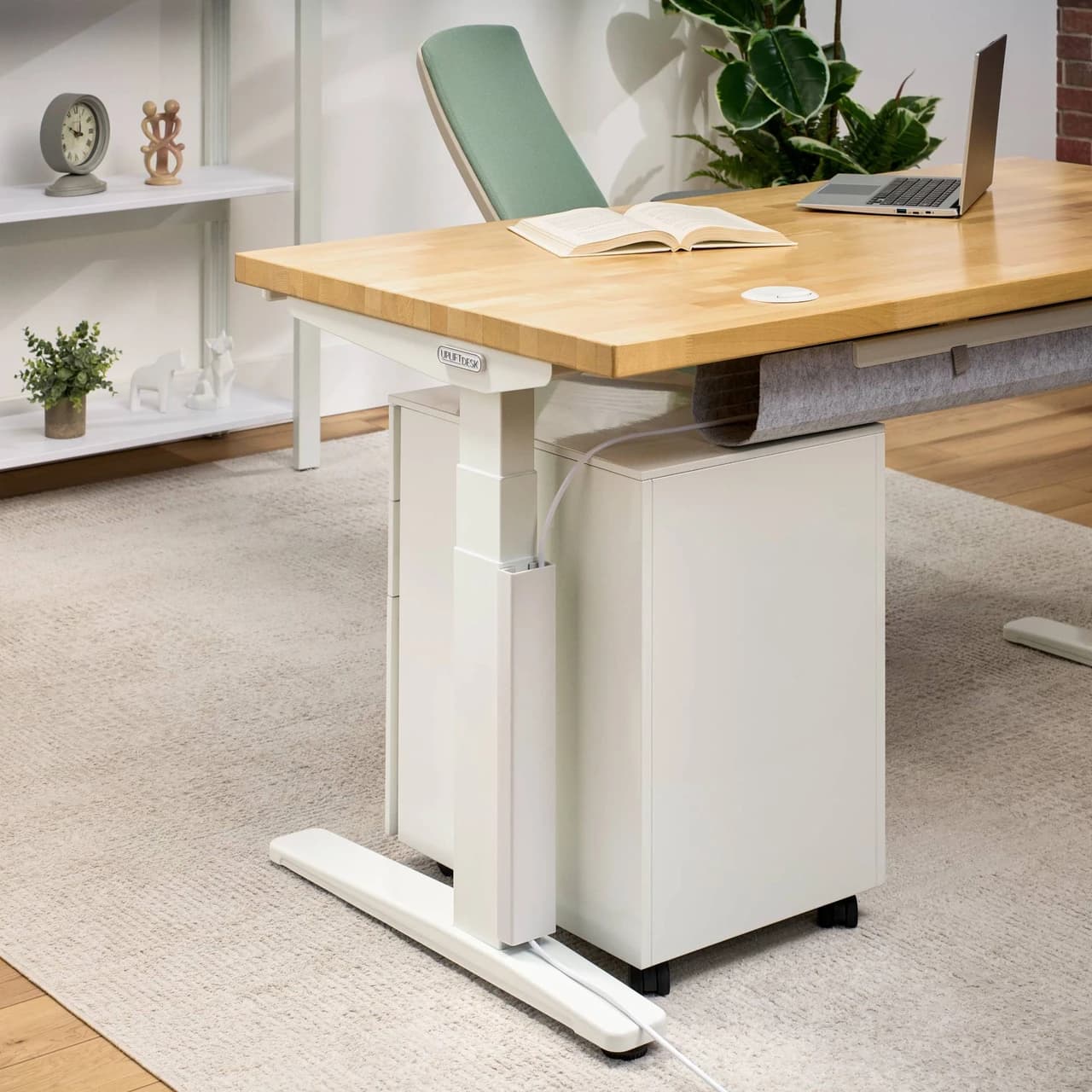
UPLIFT Magnetic Cable Organizing Channel (Black, 60 mm)
A steel channel that sticks to the frame magnetically, so a cable run can be redone without undoing anything.
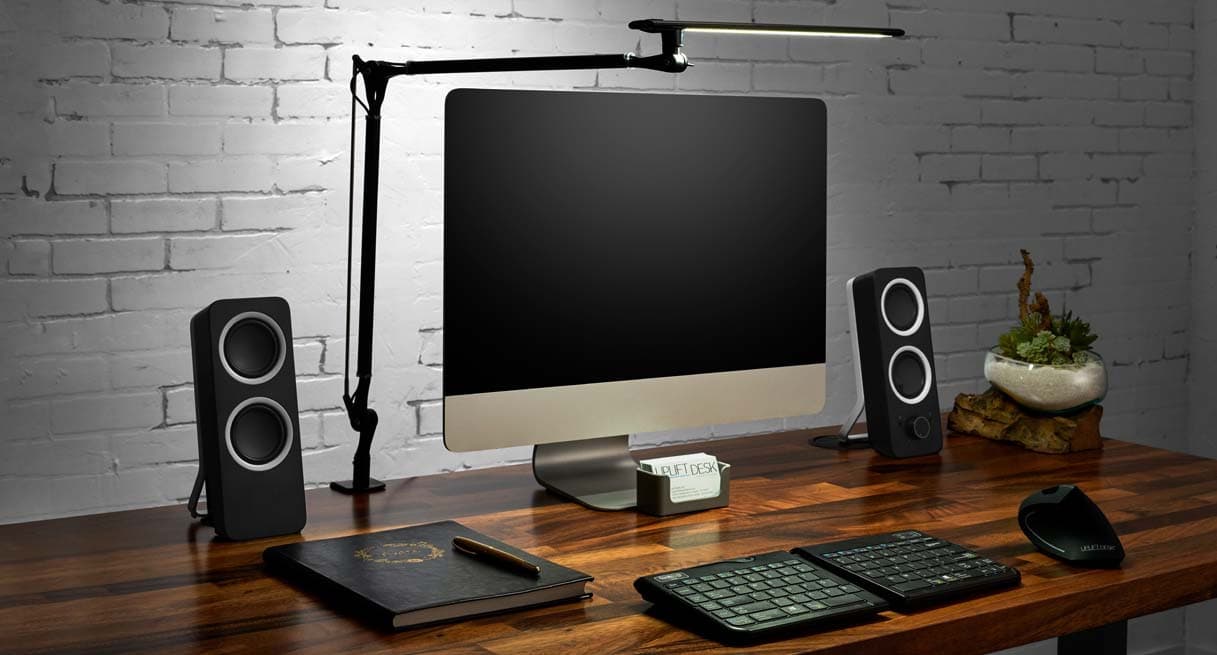
UPLIFT E7 LED Desk Lamp with Clamp
A dimmable clamp-on architect lamp with three color modes. Whether you need it depends entirely on whether you do paper work.
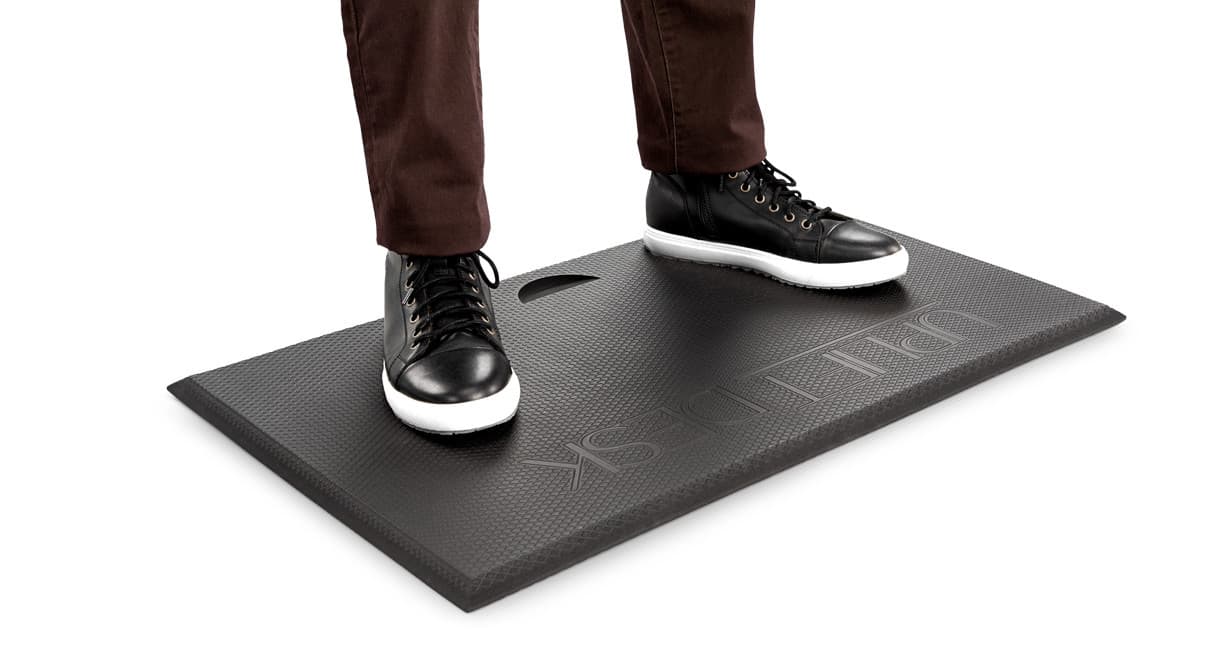
UPLIFT Standing Desk Mat with Heel Grab
The cheapest thing on this list and the one that decides whether you actually keep standing.
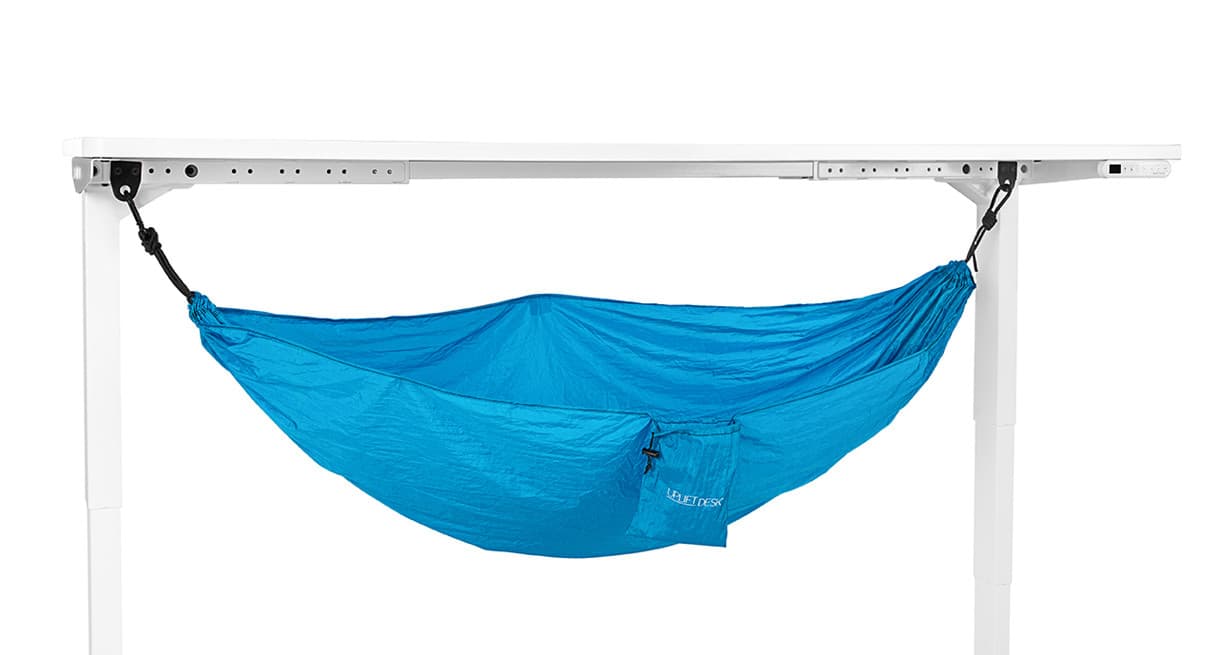
UPLIFT Under Desk Hammock
A foot sling that hangs between the legs. It needs the space under your desk to be empty, and ours was not.
The rest of the order
These came with the order and are described above.
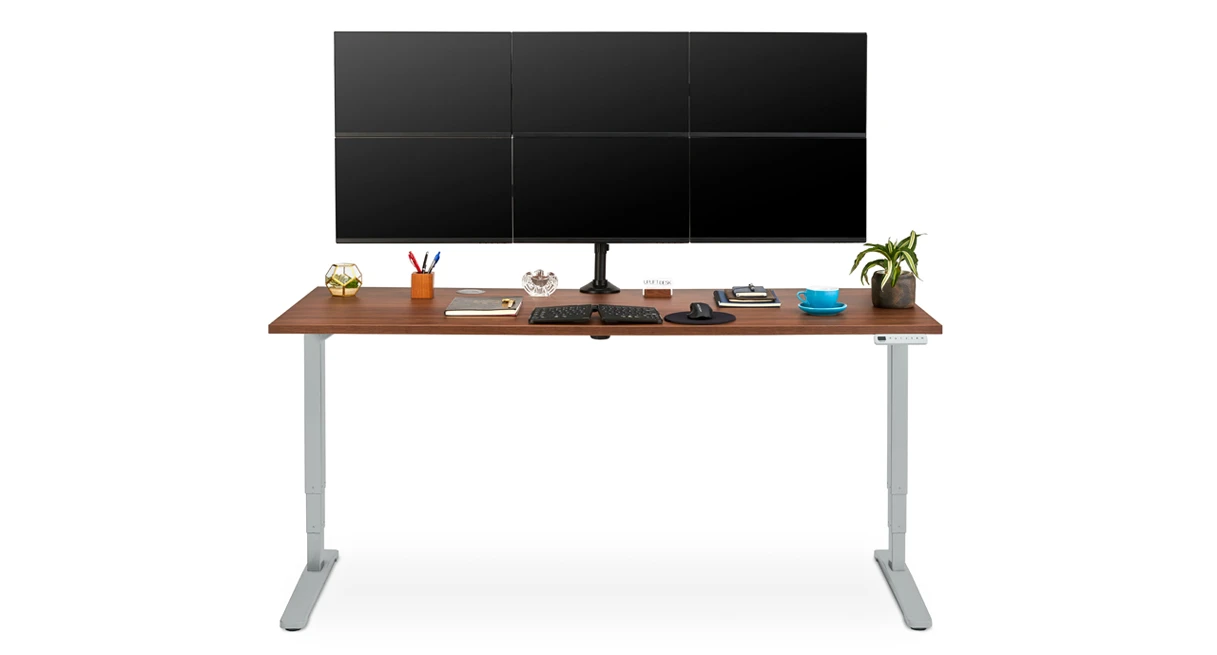
Moontower Six Monitor Arm
The arm holding all six screens in these photographs.
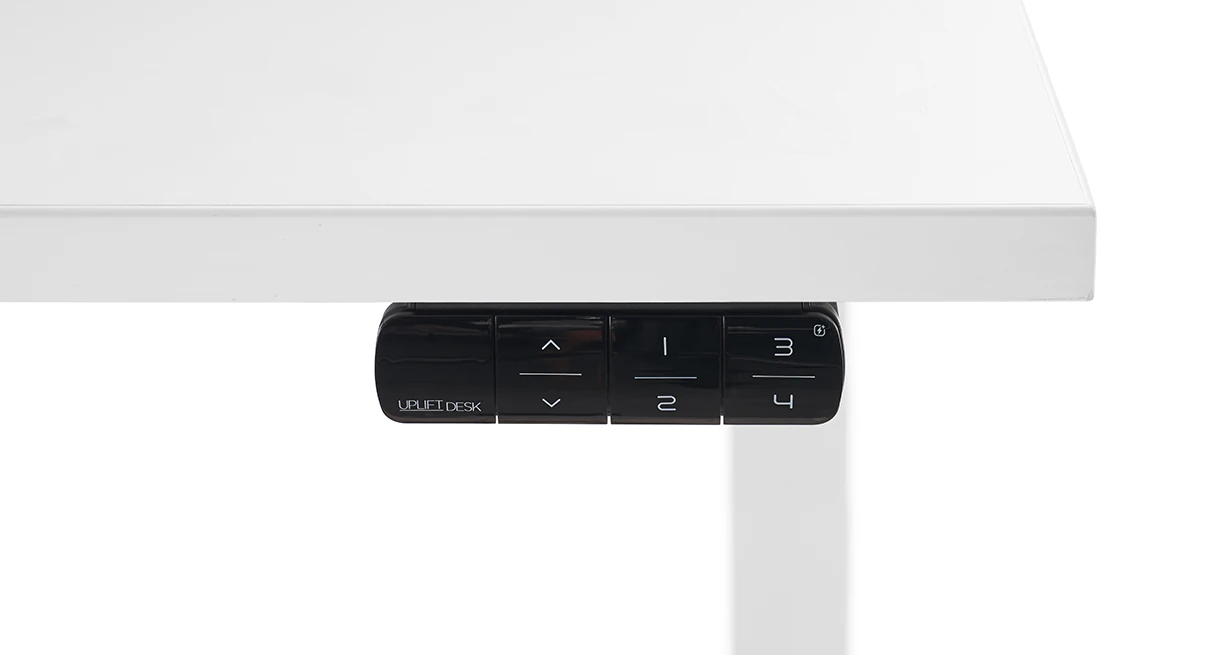
Advanced Keypad with USB
Included with the V3 frame, which is how this one arrived. Sold on its own as a replacement or an upgrade.
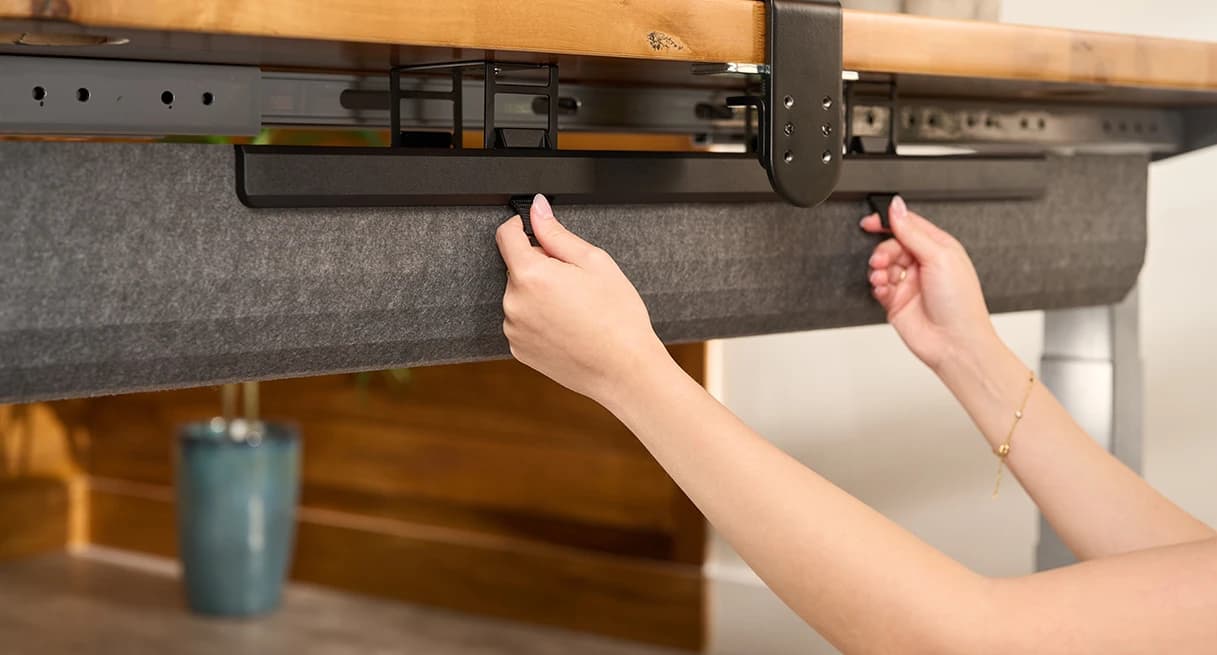
FlexMount Cable Manager
The pouch doing the work under the desktop in the photographs. One comes with every V3 frame; this is the same part sold separately.
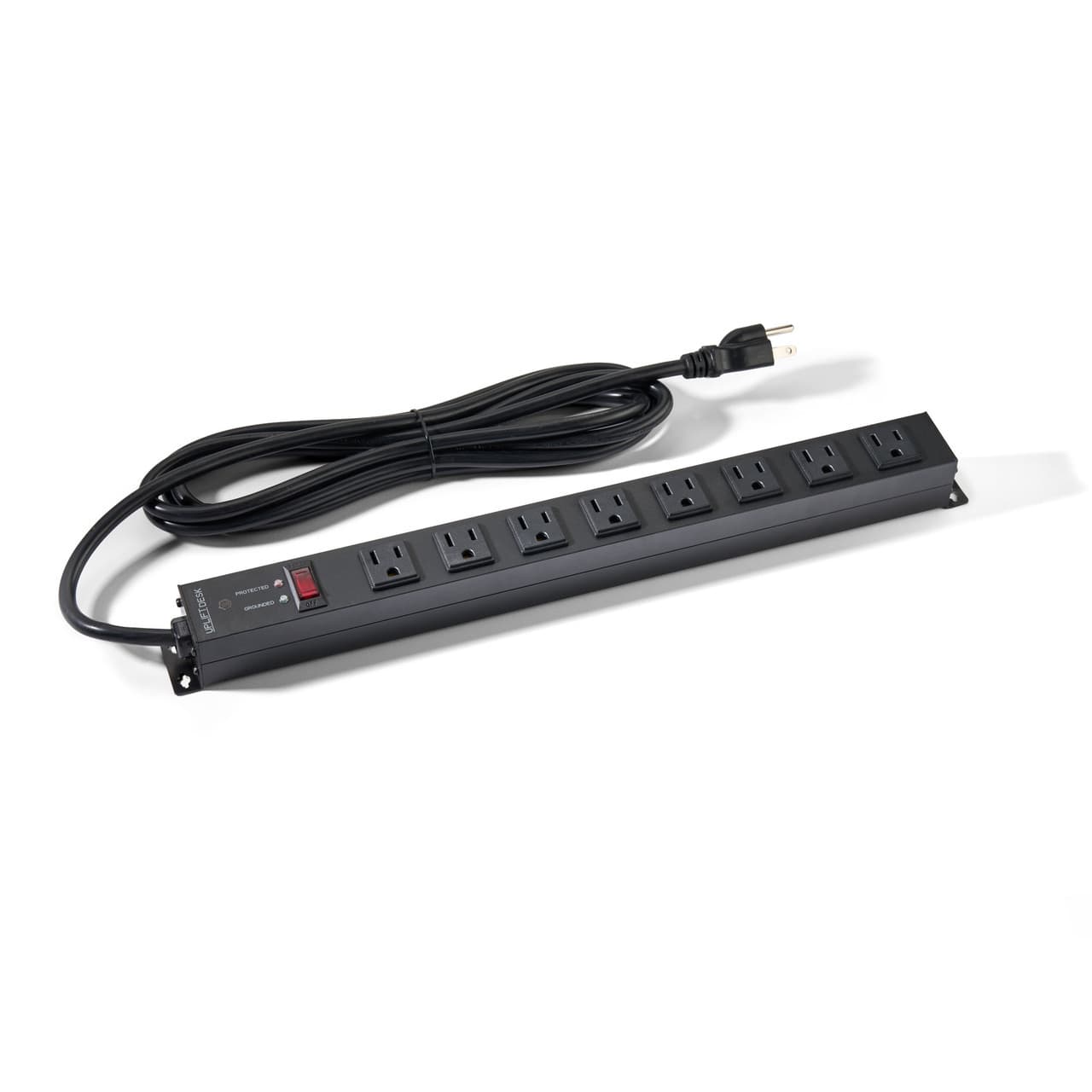
Mountable Surge Protector (8-Outlet)
The strip screwed to the underside of the desk.
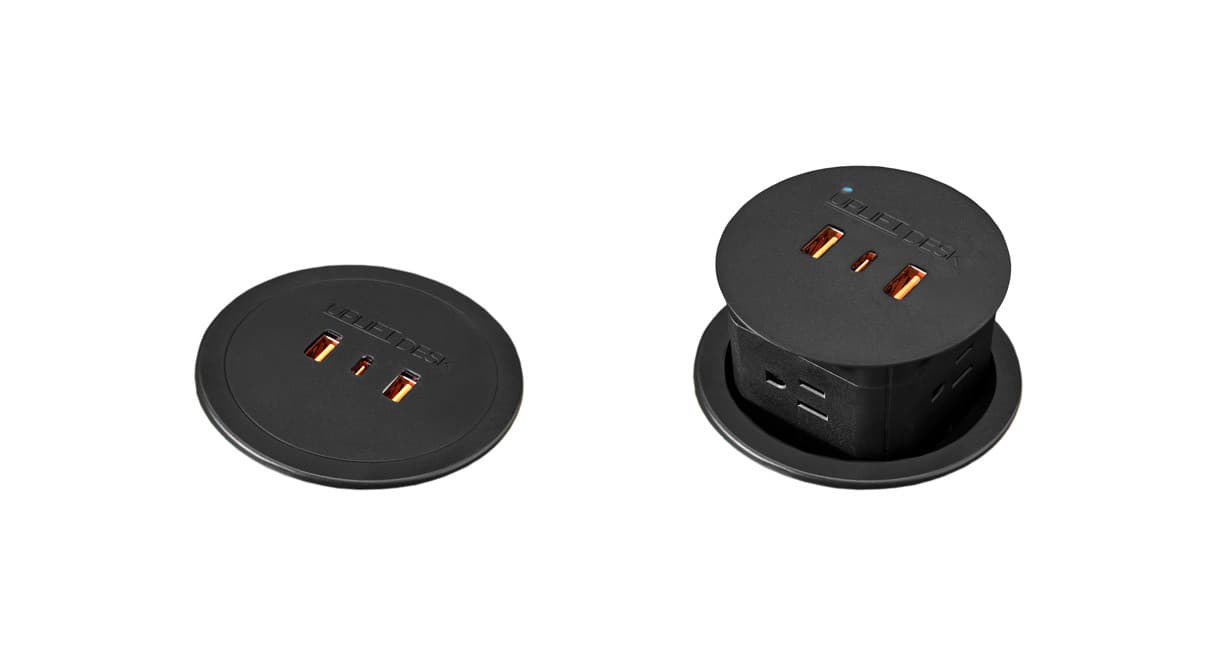
Pop Up Power Grommet
Sits in the desktop grommet hole and pops up when you need an outlet at hand.
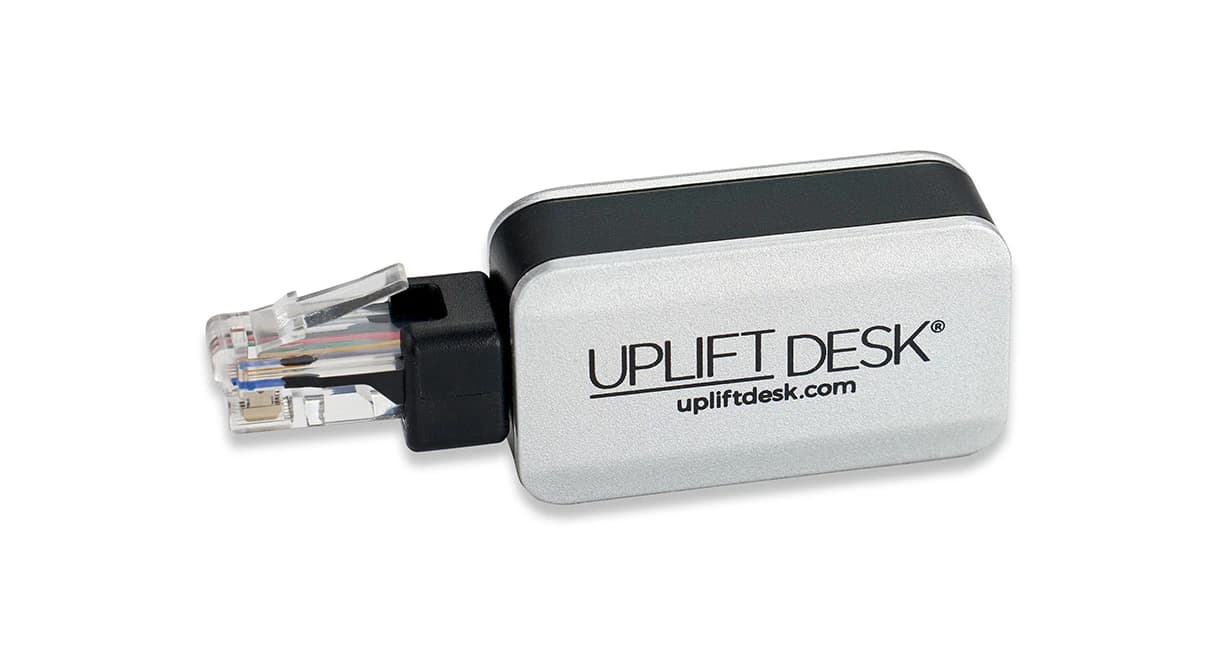
Bluetooth Adapter for the UPLIFT Desk App
Installed on this desk.
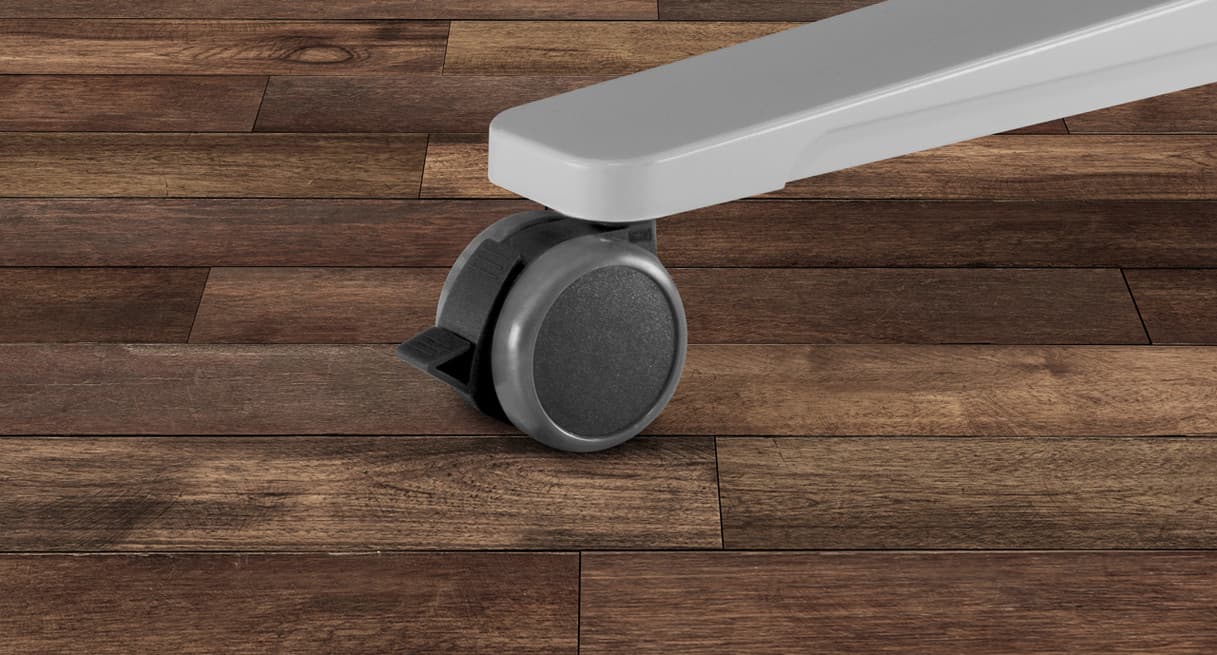
Soft Roll Desk Casters (set of four)
Came with the order, not fitted: the desk is on its standard feet.

Bamboo Desk Organizer Set
The desktop organizer set that came with the order.
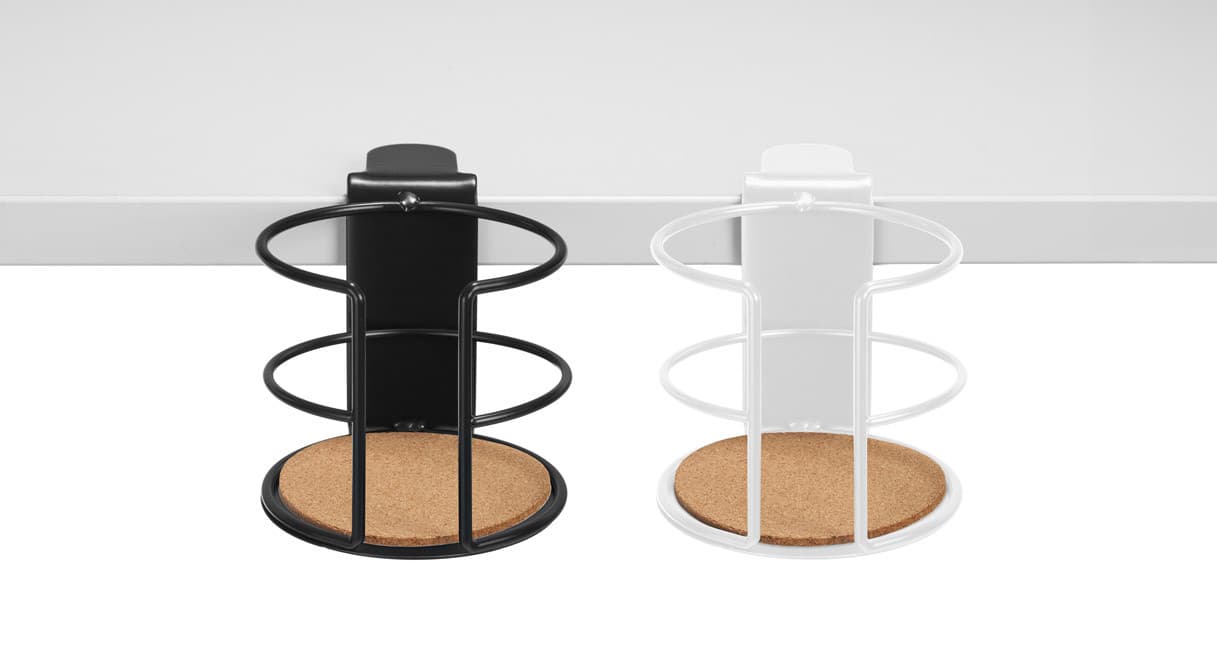
Clamp-On Cup Holder
Clamps to the desk edge. Came with the order.
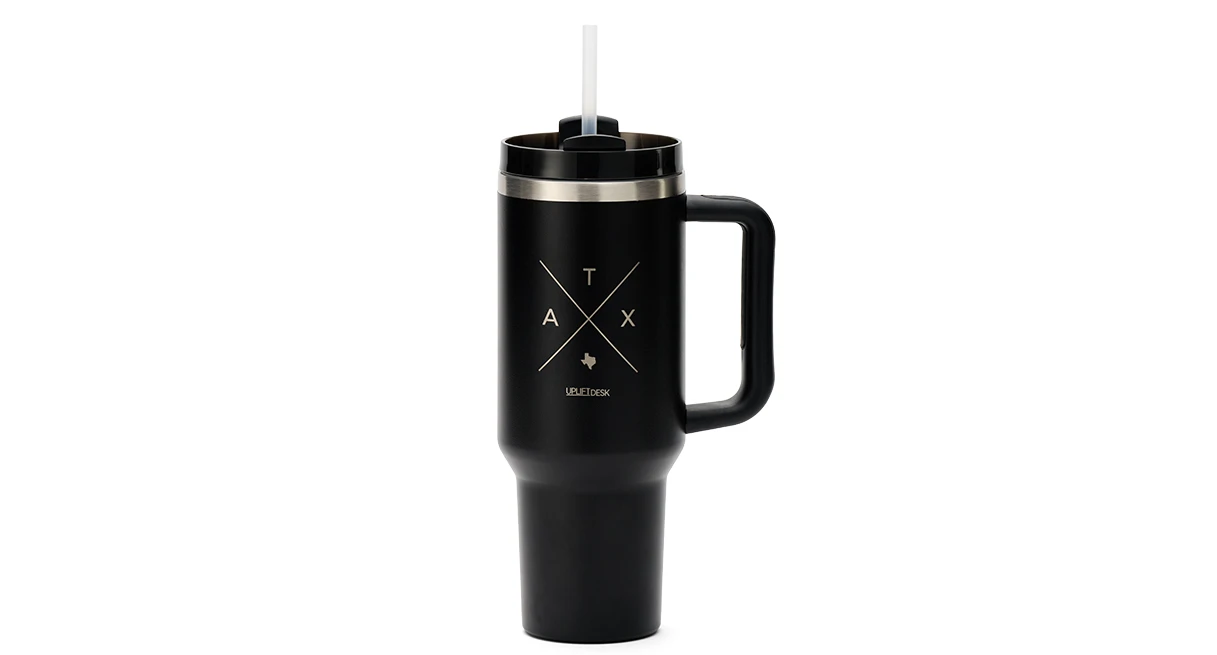
Austin Tumbler
The insulated tumbler that sits in the cup holder. Came with the order.
Verdict
I’m super pleased with it. The V3 is solid, quick and good-looking. The small issues were with accessories and my own measuring, not the desk. I didn’t expect to become someone who stands 90% of the day, but here I am. I’d recommend it to anyone thinking about a standing desk.
This is one desk, used by one person, for two weeks. It is not a verdict on the category — for that, our standing desk roundup compares the published specifications across makers, and UPLIFT against Vari puts this frame next to its closest rival on paper.
Common questions
Did UPLIFT pay for this review, or see it first?
No and no. UPLIFT sent the desk and the accessories free of charge, which is disclosed at the top of this page and in the gear list, and that is the entire relationship. Nobody at UPLIFT read a word of this before it went up, nobody was offered a preview or a right of reply, and UPLIFT paid nothing for it. Since the review went up we have joined UPLIFT’s affiliate program, so the links to UPLIFT’s shop on this page earn us a commission if you buy through them, the same way our Amazon links do elsewhere on the site. Our editorial policy spells out what a free sample does and does not buy.
Why is there no score out of ten?
Because we did not measure one. Stephen rated the assembly at 7 or 8 out of 10 and that figure is on the page where it belongs. An overall score would be a single number standing in for “I’m super pleased with it” after two weeks, and dressing an impression up as a measurement is the thing this site exists not to do. You get the account and the published specs instead, and you can weigh them yourself.
Is the desk you link the same one in the photos?
Yes, once you choose the same options. The first link in the gear list goes to UPLIFT’s solid wood desk page, where you pick the top, the size and the frame. The desk in these photographs is the Pheasantwood top with a live front edge, 72″ x 30″, on the black V3 C-frame. The price on our button is where that page starts, for the smallest top; the size we reviewed costs more, and UPLIFT shows the total as you choose. The frame on its own is linked separately for anyone who already has a top.
Does one hands-on review change how the rest of the site works?
No. Some products we review hands-on, with our own photographs, and those pages are labelled as hands-on — this is one. Everything else is researched from the manufacturers’ published specifications, cited and dated, and those pages say so at the top. The two never blur: a spec-researched page will never imply we had our hands on anything. The full method is on the methodology page.
Would the CPU holder fit my tower?
Measure the width first — that is the dimension that catches people, and it caught us. UPLIFT publishes the holder as taking computers 3.75″ to 8.25″ wide and 12″ to 20.5″ tall, up to 50 lb. A Lian Li LANCOOL 216 at 235 mm (9.25″) is about an inch over on width, which needed a longer all-thread rod to solve. Check your case against the published width before you order, not after.
Sources
Every figure on this page comes from one of these. If a manufacturer doesn’t publish a number, we print “—” rather than estimate it.
- UPLIFT V3 2-Leg Standing Desk Frame product page — 355 lb lifting capacity, 2" per second travel, under 48 dB, 21.6"–47.7" height range (23.8"–49.9" with foot spacers), 41.3"–72.2" width adjustment, dual precision motors, patented accessory mounting system with 48 threaded mounting points in the upper frame, FlexMount Cable Manager and 10 mountable cable wraps included with every desk, meets ANSI/BIFMA X5.5-2021, 15 year warranty — read 2026-10-09
- UPLIFT V3 Standing Desk Frame specification sheet, FV3-200C (PDF) — the same height range, width adjustment, capacity, travel speed, noise figure, dual motor design and 15 year warranty, plus the ANSI/BIFMA G1-2013 ergonomic height guideline — read 2026-10-09
- UPLIFT CPU Holder specification sheet (PDF) — weight capacity 50 lbs; "Accommodates 3.75″ – 8.25″ W"; "Accommodates 12″ – 20.5″ H"; track length 16″; swivel at mount 360°; 15 year warranty on all UPLIFT Desk products — read 2026-10-09
- UPLIFT Soft Roll Desk Casters specification sheet, ACC065 (PDF) — "Height added to desk 2.9″ (after removing leveling glides)", 140 lb per caster, 2.6″ (65 mm) wheel diameter — read 2026-10-09
- UPLIFT solid wood desktops — cut to a solid 1.75″ thick; Pheasantwood is listed with a square back and a front barkline (live) edge — read 2026-10-09
- Lian Li LANCOOL 216 specifications — case dimensions (D) 480.9 mm x (W) 235 mm x (H) 491.7 mm — read 2026-10-09
Read next
The best standing desks for a home office
How this frame's published numbers compare with the rest of the category, which is a different question from how it felt for a fortnight.
UPLIFT vs Vari standing desk
The same V3 frame against its closest rival on height range, capacity and warranty.
Standing desk cable management
The general version of the problem the FlexMount pouch and the zipped sleeve solve here.
Choosing a monitor arm for a standing desk
What to check before you bolt anything through a desktop that moves.