Setup & Ergonomics
Setup & Ergonomics
Most of what makes a desk comfortable costs nothing: it is geometry. This is the arithmetic, the standards it comes from, and the order to do it in — before you buy anything.
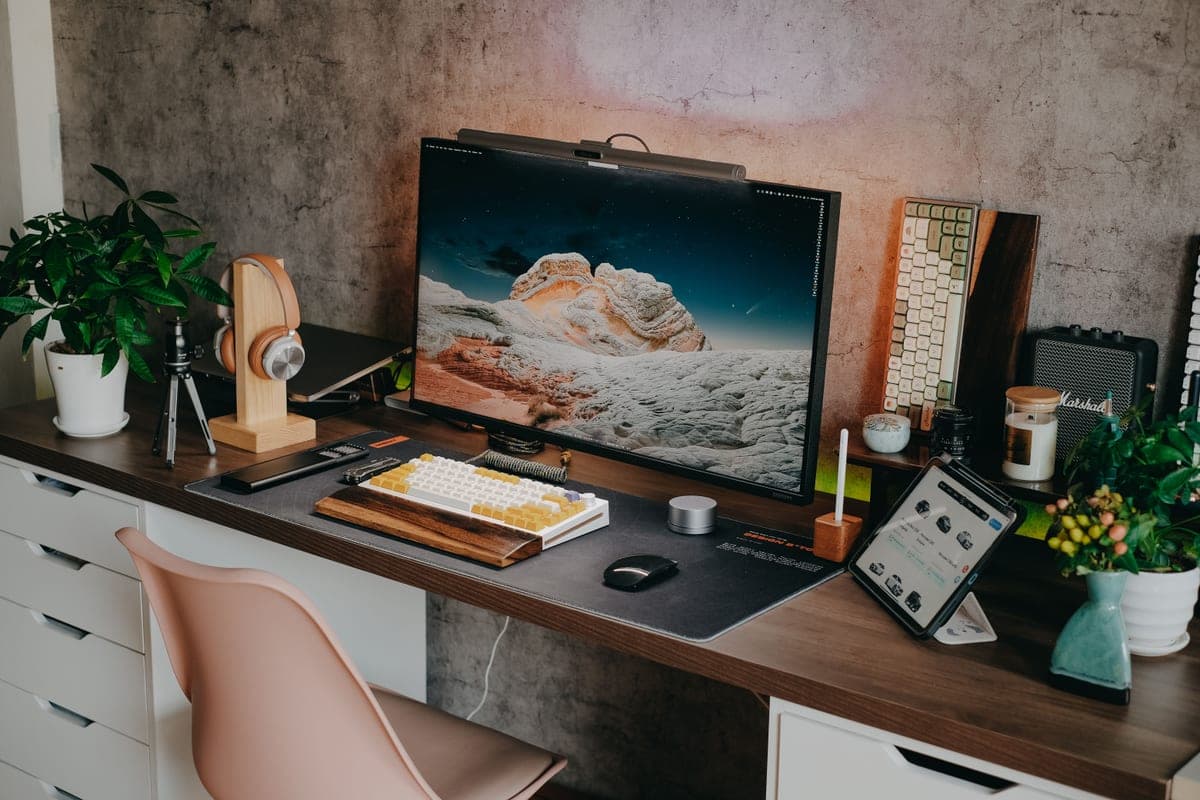
Calculator
Desk height calculator
Your desk height from your elbow height, with the equation, the data, and the caveats all published.
Guide
The ergonomic desk setup
Desk, chair, monitor, keyboard, light, cables — in the order that works, with OSHA's own wording for each.
Guide
The complete home office setup
Starting from an empty room: what to buy first, what to buy last, and what not to buy at all.
Guide
Dual monitor ergonomics
The published 35-degree off-axis limit, and how it decides where two screens actually go.
Guide
Wrist and keyboard position
Why the feet on the back of your keyboard tilt it the wrong way, and what negative tilt actually is.
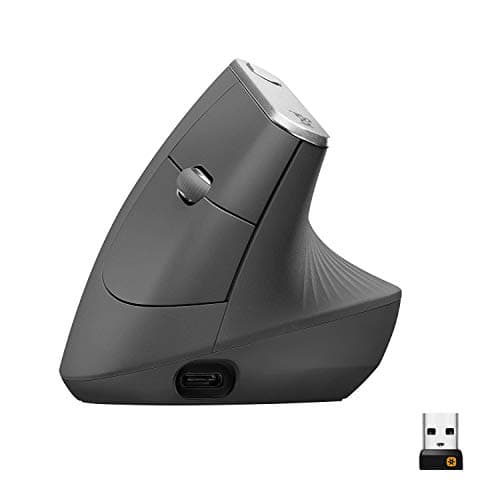
Best Ergonomic Mouse
The best ergonomic mice
Four mice ranked on published angle, DPI and durability — plus what the famous 10% claim actually rests on.
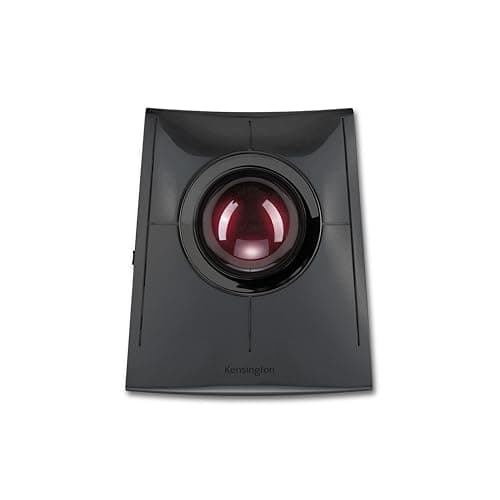
Best Trackball
The best trackball mice
Five trackballs on published ball diameter, connection modes and warranty — the two 55 mm Kensingtons, both Logitech thumb balls, and the 40 mm ambidextrous pick. Two Spec Line slots are blank because Logitech doesn't publish the number.
Top pick: Kensington SlimBlade Pro (K72080WW)
$109.99Amazon$119.99 −8%
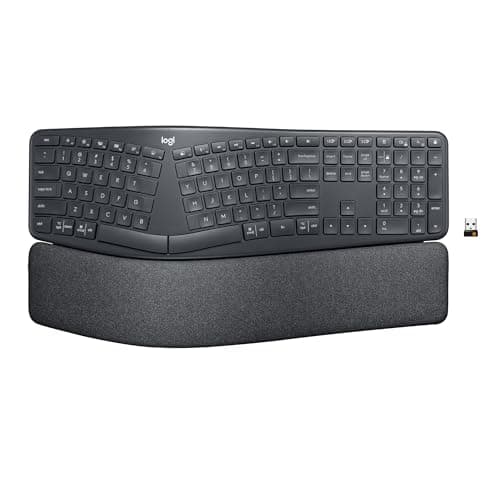
Best Ergonomic Keyboard
The best ergonomic keyboards
Two keyboards ranked on published tilt, geometry and warranty — and which claims have a name attached.
Top pick: Logitech Ergo K860
$119.99Amazon$149.99 −20%
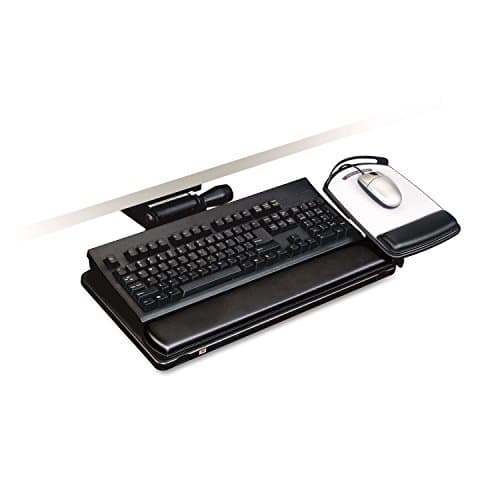
Best Keyboard Tray
The best under-desk keyboard trays
Four trays ranked on published drop, tilt and warranty — and why three manufacturers measure the drop from three different places.
Top pick: 3M Easy-Adjust Keyboard Tray, Adjustable Platform, 23″ Track (AKT150LE)
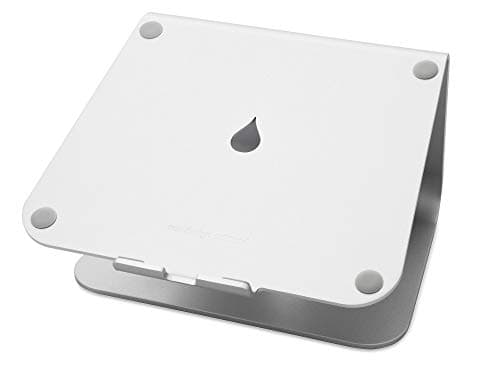
Best Laptop Stand
The best laptop stands for a home office
Four laptop stands ranked on published screen lift, fit and warranty — and why a laptop stand is only half an ergonomic fix without an external keyboard.
Top pick: Rain Design mStand Laptop Stand (10032)
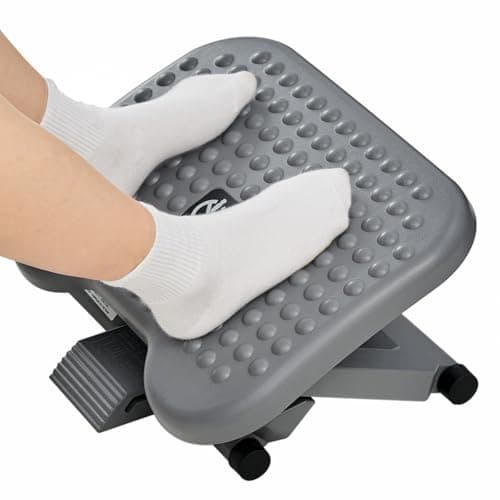
Best Footrest
The best under-desk footrests for a too-tall desk
Four footrests ranked on published reach, tilt and warranty — and why the two with the clearest mechanics carry the shortest warranties, and the two with the longest warranties publish the fewest numbers.
Top pick: HUANUO Adjustable Desk Footrest, 3 Height Position & 30° Tilt
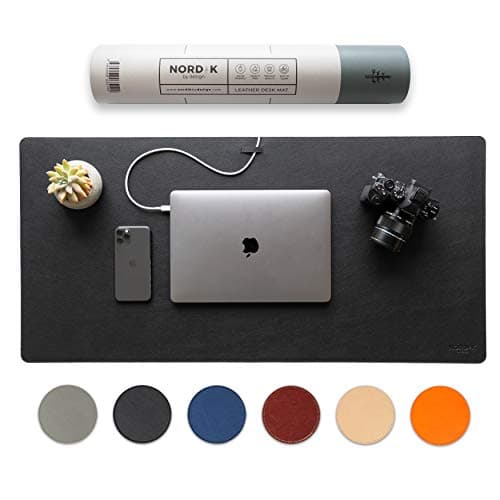
Best Desk Pad
The best desk pads for a home office
Five large desk pads ranked on coverage, material and warranty - plus an honest note that a desk pad is a comfort-and-finish upgrade, not an ergonomic necessity.
Top pick: Nordik By Design Premium Vegan Leather Desk Mat
$22.97Amazon$29.97 −23%
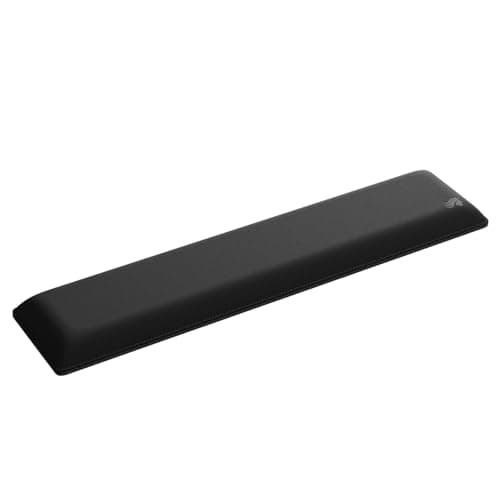
Best Wrist Rest
The best wrist rests for keyboard and mouse
Five wrist rests ranked on published depth, published height and warranty. Only one maker fills all three slots, six of the fifteen figures are not published at all, and the cheapest pick is the one that fits a slim keyboard.
Top pick: Glorious Cloth Ergonomic Keyboard Wrist Rest (Full Size)
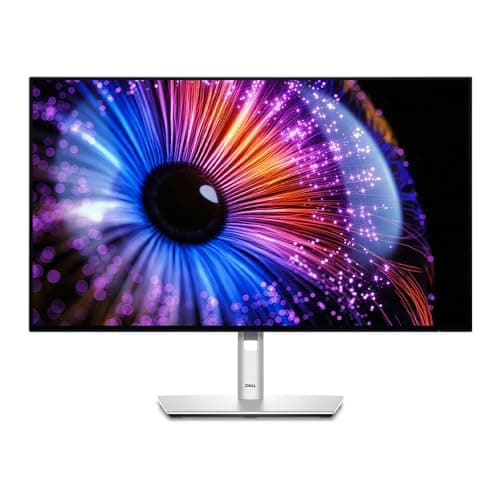
Best Home Office Monitor
The best monitors for a home office
Six monitors ranked on published stand travel, panel-only weight and warranty — the specs that decide fit and longevity, not the ones nobody can verify from a listing.
Top pick: Dell UltraSharp 27 Monitor (U2724D)
Compared
Ergonomic mouse vs trackball
A vertical mouse rotates your forearm and still slides across the desk. A trackball sits still and moves the cursor with your thumb or fingers. What changes, what doesn't, and which fits which desk.
Guide
The best home office gifts
Home office gifts organized by recipient and budget, pointing at the site's existing roundups — plus the two categories that make a nice stocking-stuffer but nobody actually needs.
Guide
The ergonomic home office on a budget
The free fixes come first, and in order: seat height, feet, screen height, mouse, eyes. Then, only if you still need to, spend on the two things that actually last.
Guide
Why does my back hurt at my desk?
The four setup variables a desk worker can change — feet, lumbar contact, screen height, and one held position — described as equipment geometry, not a diagnosis.
Guide
How to sit properly at a desk
OSHA's neutral seated posture, walked joint by joint from the feet to the head — and the Cornell truth that the best posture is always the next one.
Guide
Keeping your wrists neutral while typing
The few equipment reasons a wrist bends up while typing - a keyboard above elbow height, a planted palm, feet-up tilt, a mouse pushed out - and the geometry that settles each.
Guide
How to reduce eye strain at a computer
The free, behavioral, positional fixes for tired eyes at a screen — the 20-20-20 rule, blinking and breaks, screen distance and height, and turning the panel down. The lux question lives on its own page.
Guide
How to organize your desk around reach zones
Organize by reach, not by aesthetics: keyboard and mouse in the primary zone at elbow height, the monitor an arm’s length back, and everything else off the work surface.
Compared
Footrest vs anti-fatigue mat
A footrest is for feet that dangle when you sit; a mat is for standing. The decision isn't preference, it's posture — so most people don't need both, and some need neither.
Guide
How to set up a laptop as a full-day workstation
The screen and keyboard are one piece, so only one can sit right. Two ways to unweld them for a full working day — and why both need an external keyboard.
Guide
How to reduce neck pain at a desk
The setup causes of a sore neck at a desk — screen too low, laptop flat on the desk, phone in the lap, screen off to the side — and the free geometry that fixes each.
Guide
Is blue light bad for your eyes?
What the evidence actually says: no proof blue light from screens harms the eye, weak support for blue-light glasses, and a sleep angle that is about timing, not damage.
Guide
How to stop slouching at your desk
Slouching is a setup problem, not a willpower one. Fix the lumbar support, seat depth, screen height, and feet, and upright stops being effortful.
Compared
Ultrawide vs dual monitors
One wide panel vs two screens, compared on usable width, the center bezel, window management, desk space, and cost — and who each actually suits.
Guide
Work-from-home desk setup checklist
A first-week, in-order checklist for a new remote worker: free geometry first, screen and hands next, lighting and cables after, spending last.
Guide
What size monitor for a home office?
Screen size is really a distance question. How desk depth and viewing distance decide between 24, 27, 32 inches and ultrawide, and why bigger has to sit further back.
Guide
Should you use a vertical monitor?
Portrait orientation wins for code, long documents and chat feeds and loses for video and wide sheets. The pivot/VESA hardware you need, plus the tall-screen ergonomics.
Guide
Do you need a wrist rest?
A wrist rest is a place to park your hands between typing, not to press on while typing. Neutral wrist posture, gel vs foam, and why keyboard height matters more.
Guide
How to arrange an L-shaped desk
Which run is primary, corner vs long-side for the monitor, how the chair pivots between reach zones, and routing cables across two surfaces.
Guide
From the kitchen table to a real home office desk
A budget-aware order for leaving the dining table: raise the screen and support your back cheaply first, then buy the chair, then the desk.
Guide
How to set up a home office for video calls
Camera at eye level, light and windows in front not behind, a tidy background, and clean audio — a practical, gear-light guide to showing up well on video.
Guide
How to choose an ergonomic mouse
The decisions that pick an ergonomic mouse — grip and hand size, vertical vs sculpted vs trackball, size, weight, wired vs wireless, buttons — routed to the roundup.
Guide
Do you need an external monitor for a laptop?
The real problem with a laptop is height, not size — the screen is stuck to the keyboard. When a stand is enough, and when you actually need an external monitor.
Compared
Wired vs wireless keyboard and mouse
Latency is a non-issue for typing; the real choices are batteries vs never-think-about-it, desk clutter, dongle vs Bluetooth, and cost. Comfort depends on none of them.
Compared
Mechanical vs membrane keyboard for an office
Feel, noise, durability, cost, and repairability compared for a home or shared office — plus the honest point that switch type is mostly preference, not comfort.
Guide
How often should you take breaks at a desk?
The 20-20-20 rule for the eyes (AAO/AOA), changing posture rather than holding one (Cornell/CCOHS), and practical microbreak routines — attributed, with no medical claims.
Compared
Laptop vs desktop for a home office
A laptop is portable but its built-in screen forces a head-down posture, so it needs a stand and an external keyboard, or a monitor, to be comfortable. A desktop gives more for the money and is comfortable by default, but it stays put. How to choose.
Compared
Desk pad vs mouse pad
A desk pad is a large mat covering much of the top, giving one smooth mousing surface, protecting the desk, and softening the front edge; a mouse pad is small and only tracks a mouse. How to choose, and why neither is a wrist rest.
Compared
Wrist rest vs ergonomic keyboard
A wrist rest parks your palms between typing; an ergonomic keyboard reshapes the layout to keep wrists straighter. Neither fixes the setup on its own -- keyboard height and a neutral wrist come first.
Guide
How to match desk and chair height
The right order for matching a desk and chair - chair to the body, desk to the forearms, feet to the floor - plus what to do when the desk height is fixed too high or too low. Posture points attributed to OSHA.
Guide
How to position your feet at a desk
Feet flat and supported with thighs roughly parallel to the floor (OSHA), what to do when they do not reach, and the positions to stop holding -- attributed, with no medical claims.
Guide
How to reduce shoulder pain at a desk
The setup causes of sore shoulders at a desk — armrests set wrong, a reach that's too long, a desk too tall — and the free fixes for each.
Guide
Desk stretches and exercises
Simple movement breaks for neck, shoulders, wrists, hips and eyes — the point is changing position often, not physiotherapy.
Guide
How to stand properly at a standing desk
Desk at standing elbow height, screen at eye level, weight even, soft knees — and why you alternate sit and stand rather than stand all day.
Guide
How to use a footrest correctly
When you actually need a footrest, how high and at what angle to set it, and why it's a stopgap for a too-tall desk rather than a comfort accessory.
Guide
How to set up a keyboard tray
How to set a keyboard tray's height to your elbows, dial in negative tilt, place the mouse, and when a tray beats raising the chair.
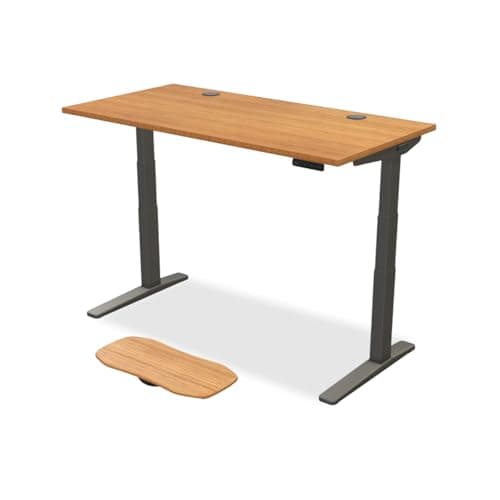
Black Friday 2026
Black Friday & Cyber Monday home office deals 2026
The honest pre-November read on this category: which home-office brands have a documented Black Friday history, which don't, buy-now-or-wait per product class, and where the deals will be posted when they exist.
Top pick: UPLIFT V3 (2-Leg)
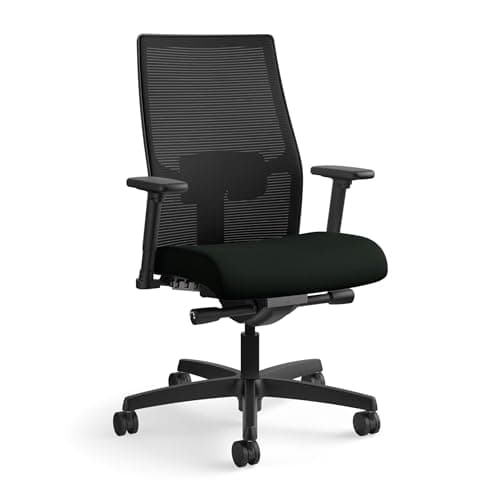
Splurge gifts
The best splurge home office gifts
The no-budget tier: a documented task chair, the Ergotron LX, the UPLIFT and Vari standing desks, the BenQ Halo 2 and the Dyson lamp — with an honest line on which ones need the recipient involved.
Top pick: HON Ignition 2.0 (mid-back mesh)
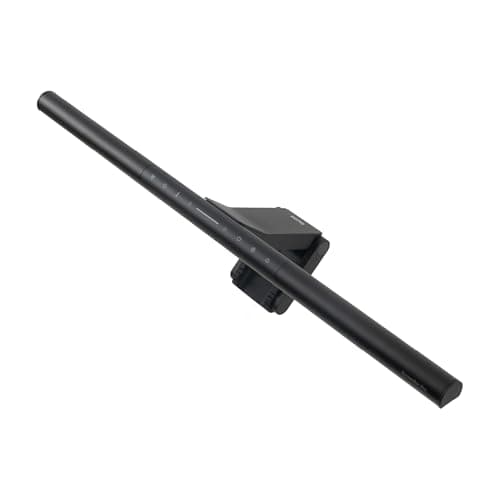
Gifts under $150
The best home office gifts under $150
Six gifts under about $150 when we checked, each the well-documented version of its category: BenQ ScreenBar Pro, Logitech MX Vertical, Roost V3, Topo mat, Ergo K860, Litra Glow.
Top pick: BenQ ScreenBar Pro
Gifts under $50
The best home office gifts under $50
Six gifts under about $50 when we checked, ranked by how much each one actually fixes: footrest, budget monitor arm, laptop stand, cable box, standing mat, starter light bar.
Top pick: HUANUO Adjustable Desk Footrest, 3 Height Position & 30° Tilt
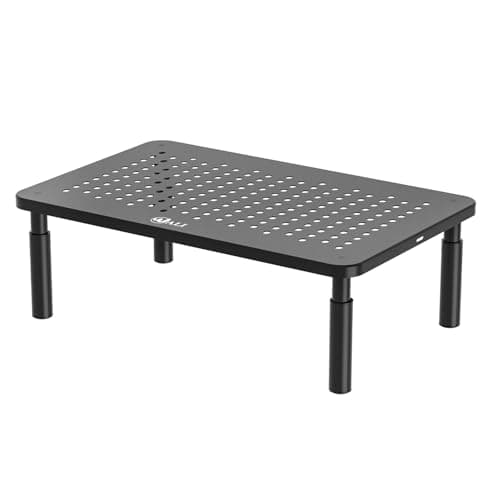
Stocking stuffers under $25
The best home office stocking stuffers, under $25
Six small gifts for a home office, under about $25 when we checked: a monitor riser, a desk mat, a starter vertical mouse, bias lighting, cable ties, a wrist rest. Ranked by how much each one actually does.
Top pick: WALI Computer Monitor Stand, 3 Height Adjustable (STT003)
$14.99Amazon$16.99 −12%
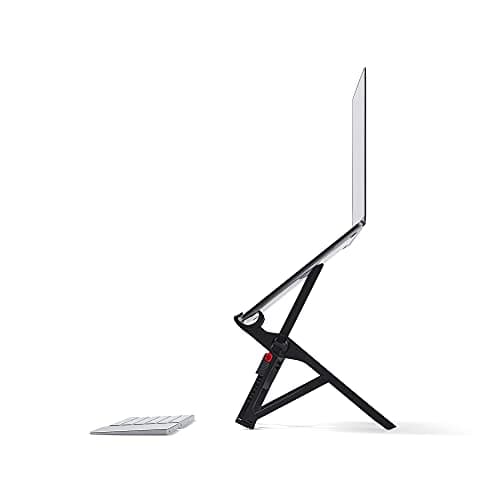
Gifts for laptop workers
The best gifts for someone who works from a laptop
Gifts for the person who works from a laptop, in the order that fixes the setup: a stand that reaches eye level, a permanent-desk stand, a bag-friendly vertical mouse, a desk keyboard, a stand for 17-inch machines.
Top pick: Roost V3 Laptop Stand
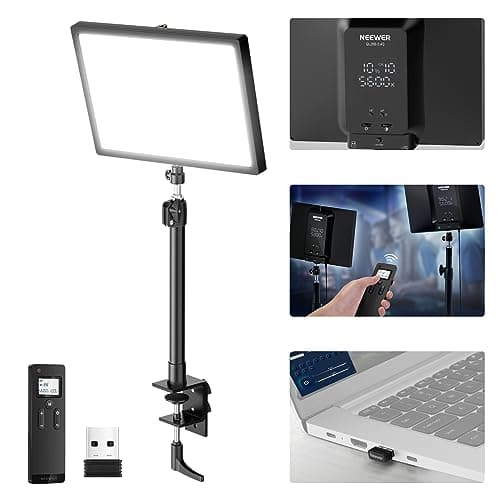
Gifts for video-call workers
The best gifts for someone on video calls all day
Five lights for the person on camera all day, from a small clip-on for a dim room to a studio panel for a bright one — what each one publishes, who it suits, and what to check about their desk first.
Top pick: Neewer GL25B 12.9″ Streaming Key Light
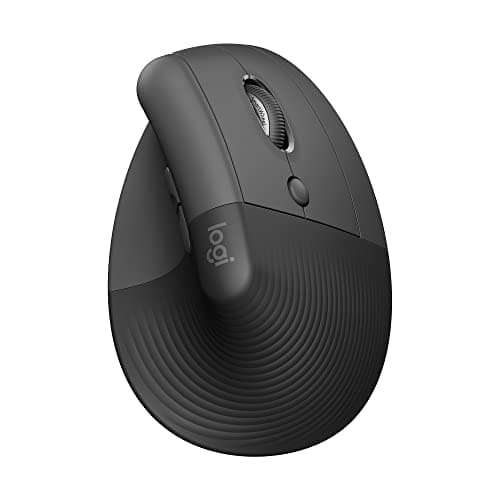
Best Ergonomic Mouse for Small Hands
The best ergonomic mice for small hands
One mouse in our entire coverage publishes its dimensions: 108 × 70 × 71 mm at 124 g. Four picks ranked on that, a 40 mm ball, and shapes that stop the hand moving at all.
Top pick: Logitech Lift
$66.50Amazon$79.99 −17%
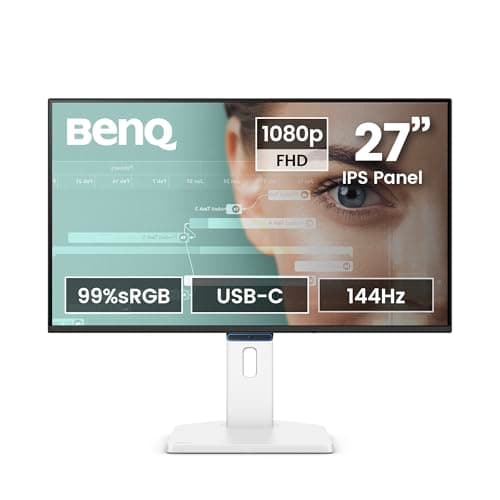
Best Monitor for Eye Strain
The best monitors for eye strain
Five monitors ranked on published height travel first and eye-comfort documentation second — because screen position has evidence behind it and "flicker-free" has no number behind it anywhere.
Top pick: BenQ GW2790TC
$149.99Amazon$179.99 −17%
Most of this costs nothing
The most useful thing on this site is not a product. It is the fact that the majority of what makes a desk comfortable is geometry, and geometry is free.
Desk at your elbow height. Feet flat. Screen at the right height and distance. Wrists straight. None of that requires a purchase, and getting it right will do more for an eight-hour day than any single thing you can buy. Which is an awkward thing for an affiliate site to lead with, and it is still true.
Start here, in this order
Order matters, because each step is set from the one before it.
- Desk height. Everything else is measured from it. Get your number from the calculator— which asks for your elbow height, not your body height, because that is what the actual standard uses.
- Chair. Set from the desk, not from the floor. In the right order — most people start with the backrest, which is last.
- Feet.If raising the chair to meet the desk lifted your feet off the floor, they need something solid under them — a box works, or one of the footrests we ranked on reach and tilt. This is the step everyone skips.
- Monitor. Height and distance, which change the moment the desk does.
- Keyboard and mouse. Wrists straight and in line, which follows from the desk height being right.
- Light, then cables. Last, because they depend on where everything ended up.
The full walkthrough is here, and if you are furnishing a room from nothing, start here instead.
What we found when we checked the popular advice
This hub exists because a lot of what gets repeated about desk ergonomics does not survive contact with its supposed source.
OSHA does not say your desk should be 29 inches.OSHA prescribes no desk height at all. Its only number is a 20–28″ leg clearancefigure — the room for your knees, not the height of the surface.
No standard maps your body height to a desk height. Every published formula anchors on elbow height. The stature-to-desk step that every online calculator performs silently is a population correlation, and the specific coefficients most of them use cite no source, study or standard anywhere.
The 20-8-2 rule was not published in a medical journal. It comes from a university web page which itself calls it “a ball park goal” whose numbers “aren’t hard and fast”. The journal paper it is usually attributed to contains no ratio at all.
“Top of screen at eye level” is the weaker position. The research the actual standard cites points slightly lower, and noticeably further away, than the folk rule.
What we won’t tell you
Whether any of this will fix your back. Stephen V. is an enthusiast who reads spec sheets, not a clinician, and this site describes mechanisms and geometry— never treatment, prevention or cures.
Where we cite research, we report what it actually measured. On standing desks, for instance, that means telling you Cochrane found the health benefits “unproven” and that standing “hardly increases energy expenditure” — on a page with a buy button on it. If you are in pain, see a clinician, not a website with an Amazon link.
Then, and only then, the gear
Once the geometry is right, a few things genuinely help: a mouse that fits your hand, a keyboard that fits both, and a desk that reaches your number. In that order, and not before. If the desk is staying and it is too tall — which, on the arithmetic above, it probably is — a keyboard tray is the cheapest way to close the gap, and we ranked them on how far below the desktop they actually go. And if you work off a laptop, the screen is too low because it is bolted to the keyboard — a laptop stand fixes that, as long as you add a separate keyboard once the screen is up. We ranked the stands on how far they actually lift it. And if the answer is a second screen rather than a stand, we ranked six monitors on published stand travel, panel-only weight and warranty — the three specs that decide whether a screen reaches your eye line, fits a monitor arm, and is still covered in year three.
A few more, in the same spirit — useful once the geometry is right, not before: a desk pad is a finish-and-comfort upgrade rather than an ergonomic fix, the ergonomic mouse versus trackball question decides how your hand moves the cursor — and if you land on the trackball side, we ranked five of those on published ball diameter and warranty. A wrist restis the same kind of small upgrade with the same kind of trap in it — OSHA publishes a minimum depth and tells you to match the pad to the height of your keyboard’s front edge, so we ranked five on whether their makers publish either number. If you are buying for someone else, the home office gift guide sorts the whole site by recipient and budget, and the tiered gift pages — under $25, under $50, under $150 and no budget — carry actual picks with live prices. If the question is when to buy rather than what, the Black Friday and Cyber Monday hub is our honest read on which brands in this category have a documented November sale history and which do not.